EasyManua.ls Logo

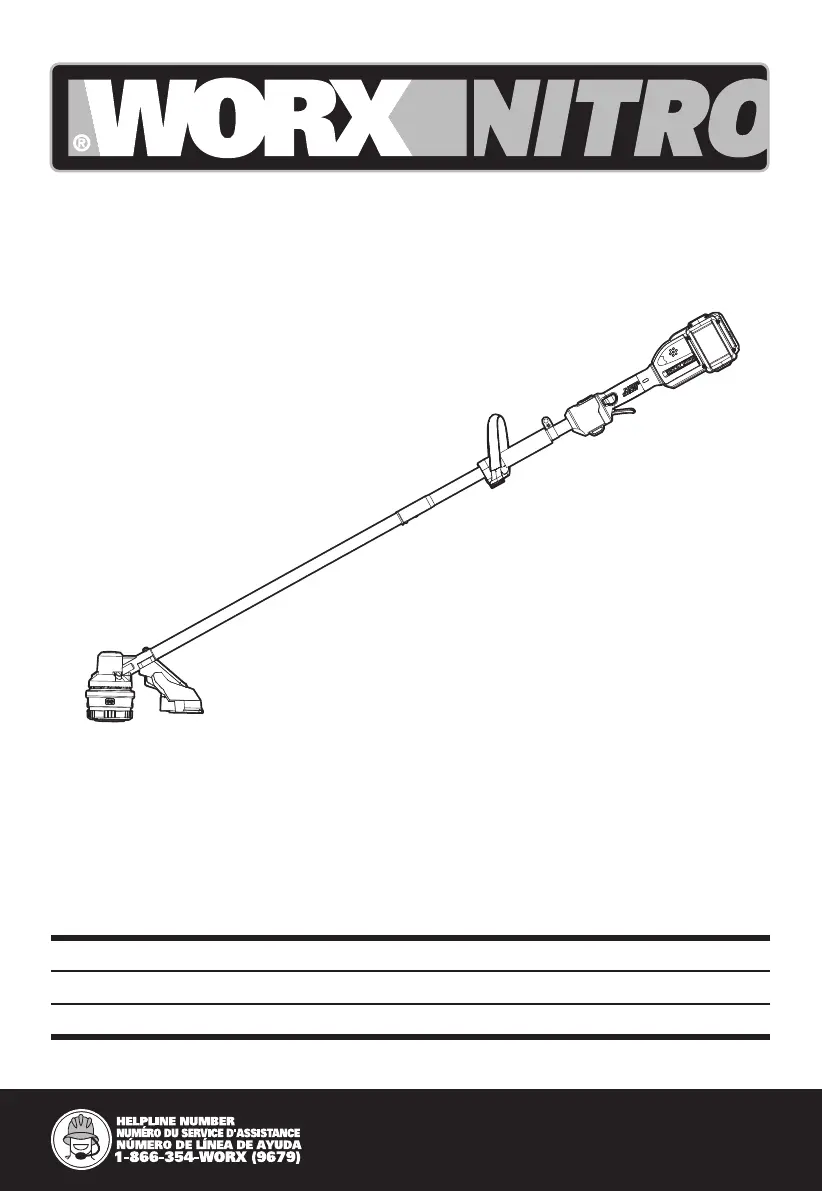
Worx Nitro WG185 - User Manual

Worx Nitro WG185
11 pages
Print Icon
To Next Page IconTo Next Page
Loading...
P06
P12
P20
WG185 WG185.X
Cordless Grass Trimmer EN
Taille bordure sans fil F
Cortadora de césped sin cable ES

Questions and Answers

  • A
    Anne JohnsonJul 29, 2025
    Why Worx Nitro Trimmer cutting time per battery charge too short?
    • D
      denisewolfeJul 29, 2025
      The cutting time might be too short because the battery hasn't been used for a long time or was only charged briefly. Alternatively, the grass may be too high. In the first case replace the line, in the second - remove the grass.
  • S
    Sarah TuckerAug 3, 2025
    What to do if Worx Nitro Trimmer fails to operate?
    • C
      Cynthia ScottAug 3, 2025
      If your Worx Nitro Trimmer isn't working, the battery might be discharged, too hot, or too cold. Allow the battery to cool or warm, or recharge it. Also, the motor could be broken or the internal wiring damaged.
  • L
    Lauren RogersAug 8, 2025
    What to do if Worx Nitro Trimmer does not cut?
    • S
      Steven FergusonAug 8, 2025
      If your Worx Nitro Trimmer isn't cutting, grass might be entangled around the cutting head, or the motor might be broken (resulting in low speed). Remove any grass from around the cutting head.
  • J
    Jeremy WilliamsAug 12, 2025
    Why Worx Nitro WG185 Trimmer runs intermittently?
    • R
      Raymond MonroeAug 13, 2025
      Your Worx Nitro Trimmer might run intermittently if the battery isn't fully charged. Recharge the battery fully. Also, the motor may be broken, or the on/off switch could be defective.
  • G
    Gail KingAug 18, 2025
    What to do if Worx Nitro WG185 battery charge indicator does not light up?
    • D
      davisronaldAug 18, 2025
      If the battery charge indicator isn't lighting up, the plug of the battery charger might not be properly plugged in. Insert the mains plug fully into the socket.
  • A
    abigailjacksonAug 23, 2025
    How to fix excessive vibrations or noise in Worx Nitro WG185 Trimmer?
    • A
      Angela HarmonAug 25, 2025
      Excessive vibrations or noise from your Worx Nitro Trimmer can be caused by a line spool that isn't wound well. Rewind the line.

Summary

SAFETY INSTRUCTIONS

General Appliance Safety

Essential safety rules applicable to all appliances.

Grass Trimmer Specific Safety

Additional safety rules for operating the grass trimmer.

Battery Pack Safety Warnings

Crucial safety precautions when handling the battery pack.

Symbols Explained

Explains the meaning of various icons and symbols used in the manual.

TECHNICAL DATA

COMPONENT LIST

ASSEMBLY & OPERATION

Auxiliary Handle Assembly

Guides on attaching the auxiliary handle.

Safety Guard Assembly

Steps for attaching the safety guard.

BATTERY HANDLING AND STATUS

Battery Pack Installation and Removal

Instructions for installing and removing the battery pack.

Battery Charging and Indicator

How to charge batteries and understand the indicator lights.

OPERATING THE TRIMMER

Starting the Trimmer

Steps to start the grass trimmer.

Trimming Modes

How to use standard and ECO speed for trimming.

OPERATION INSTRUCTIONS

Bump-line Feed System

How to use the bump-line feed system.

Trimmer Line Winding

Instructions for winding the trimmer line onto the spool.

STORING YOUR GRASS TRIMMER

MAINTENANCE

TROUBLESHOOTING

Worx Nitro WG185 Specifications

General IconGeneral
TypeString Trimmer
Voltage20V
Battery TypeLithium-Ion
Line FeedAutomatic
Cutting SystemDual Line
Shaft TypeStraight
Warranty3 years
Power SourceBattery
Charging Time60 minutes
Handle TypeAdjustable

Related product manuals