EasyManua.ls Logo

Worx WG155 - User Manual

Worx WG155
36 pages
Print Icon
To Next Page IconTo Next Page
Loading...
P06
P14
P24
HELPLINE NUMBER
1-866-354-WORX (9679)
HELPLINE NUMBER
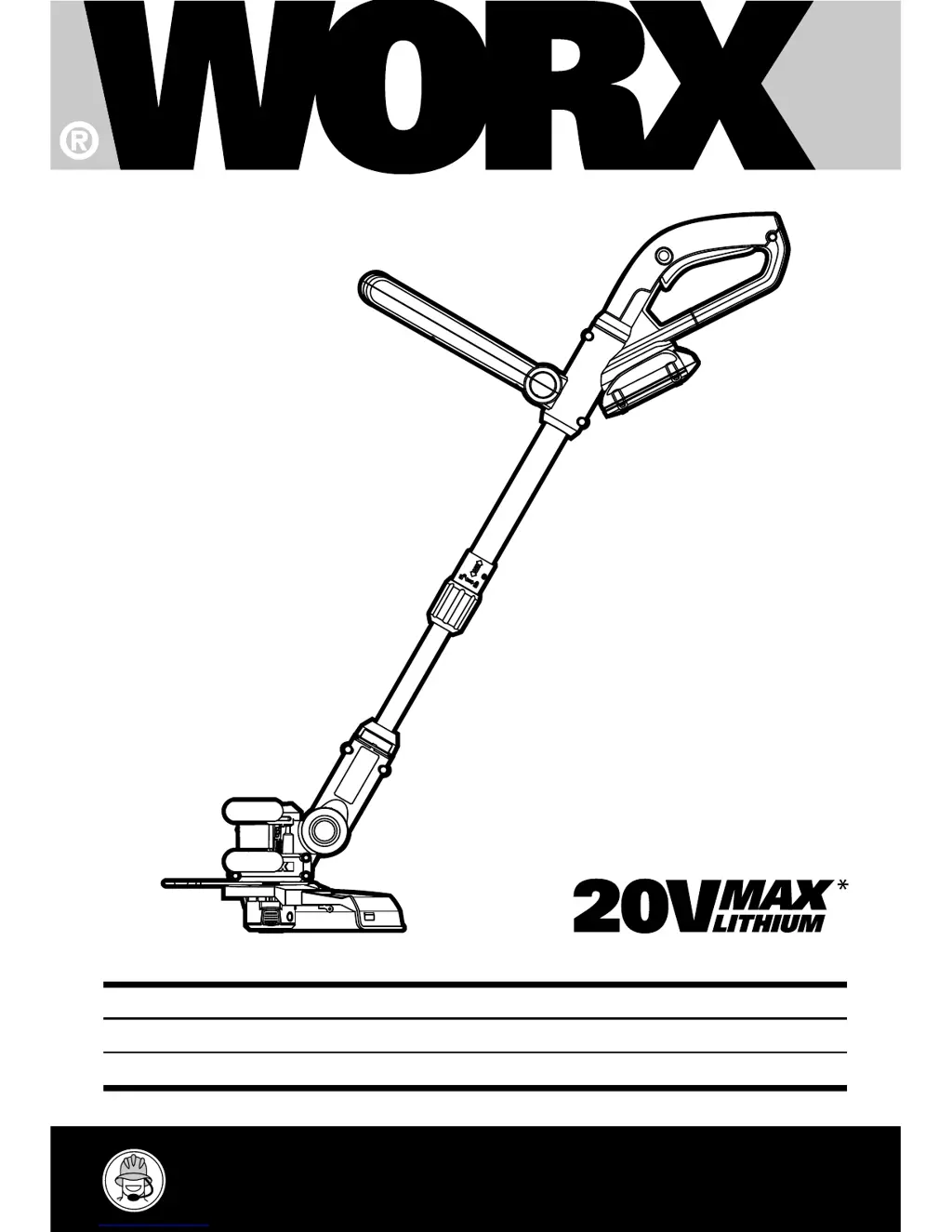
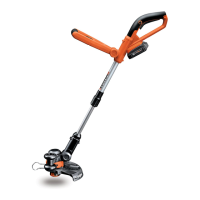
2 in 1 Grass Trimmer/Edger
Coupe gazon/Taille-bordure 2 en 1
2 en 1 Cortadora de cesped/Ribeteadora
WG155 WG155.5
EN
F
ES

Questions and Answers

  • S
    Steve GarzaJul 26, 2025
    What to do if my Worx WG155 Trimmer fails to operate?
    • K
      Kathy MillerJul 27, 2025
      If your Worx Trimmer isn't working, there are several potential reasons. The battery might be discharged (replace with a new line spool), or it could be too hot or too cold (remove grass). If these steps don't resolve the issue, the motor or internal wiring might be damaged.
  • E
    Eileen SmithAug 2, 2025
    Why is my Worx Trimmer cutting time per battery charge too low?
    • G
      George MyersAug 2, 2025
      If you're experiencing short cutting times with your Worx Trimmer, it could be due to a battery that hasn't been used for a long period or has only been charged for a short time, grass that is too high, or a defective battery.
  • J
    Jennifer ShafferAug 7, 2025
    Why is my Worx WG155 battery charge indicator not lighting up?
    • R
      Robert ParkAug 7, 2025
      If the battery charge indicator on your Worx Trimmer isn't lighting up, check that the plug of the battery charger is properly plugged in. It could also mean that the socket outlet, mains cable, or battery charger is defective.
  • I
    iyoungAug 14, 2025
    What causes excessive vibrations or noise in my Worx WG155 Trimmer?
    • D
      David MasonAug 14, 2025
      Excessive vibrations or noise in your Worx Trimmer can be caused by a machine defect, or a line spool that is not wound well.
  • Z
    Zachary KruegerAug 19, 2025
    What causes continuous lighting of the battery charge indicator and no charging procedure possible in Worx WG155?
    • M
      Michele WilsonAug 19, 2025
      Continuous lighting of the battery charge indicator and the impossibility of charging your Worx Trimmer might be caused by a battery that is not properly inserted, contaminated battery contacts, or a defective battery.

Summary

Parts List

Technical Specifications and Accessories

Technical Data

Performance specifications for WG155 and WG155.5 models.

Accessories

List of accessories included for each model.

Tool Required for Assembly

Lists the basic tools needed for tool assembly.

Safety Instructions

General Safety Precautions

Essential safety guidelines for operating electric gardening appliances.

Chemical Exposure Warning

Warning about potential exposure to harmful chemicals from dust.

Battery Operation and Disposal

Battery Safety Guidelines

Precautions for handling, charging, and preventing battery damage.

Battery Recycling and Disposal

Instructions for proper disposal and recycling of lithium-ion batteries.

Symbols Explanation

Meanings of common symbols used in the manual for warnings and information.

Assembly and Setup

Safety Guard and Edger Wheel Assembly

Instructions for attaching the safety guard and edger wheel.

Battery Pack and Controls

Installing the battery and operating the safety switch.

Handle and Shaft Adjustments

Adjusting the telescopic shaft, auxiliary handle, and trimmer head angle.

Operating the Trimmer

General Operation and Safety

Essential safety precautions and operating tips for the trimmer.

Trimming and Edging Techniques

How to perform trimming and convert to edging mode.

Automatic Line Feed System

Explanation and troubleshooting of the automatic line feed.

Line Feed, Storage, and Maintenance

Manual Line Feed and Replacement

How to manually feed and replace the trimmer line.

Storage and Maintenance

Instructions for storing the trimmer and basic maintenance.

Troubleshooting Guide

Worx WG155 Specifications

General IconGeneral
TypeString Trimmer
Power SourceBattery
Voltage20V
Weight5.3 lbs
Adjustable HandleYes
Battery TypeLithium-Ion
Cutting Width12 inches
Line Diameter0.065 inches

Related product manuals