EasyManua.ls Logo

Worx WG507 - User Manual

Worx WG507
28 pages
Print Icon
To Next Page IconTo Next Page
Loading...
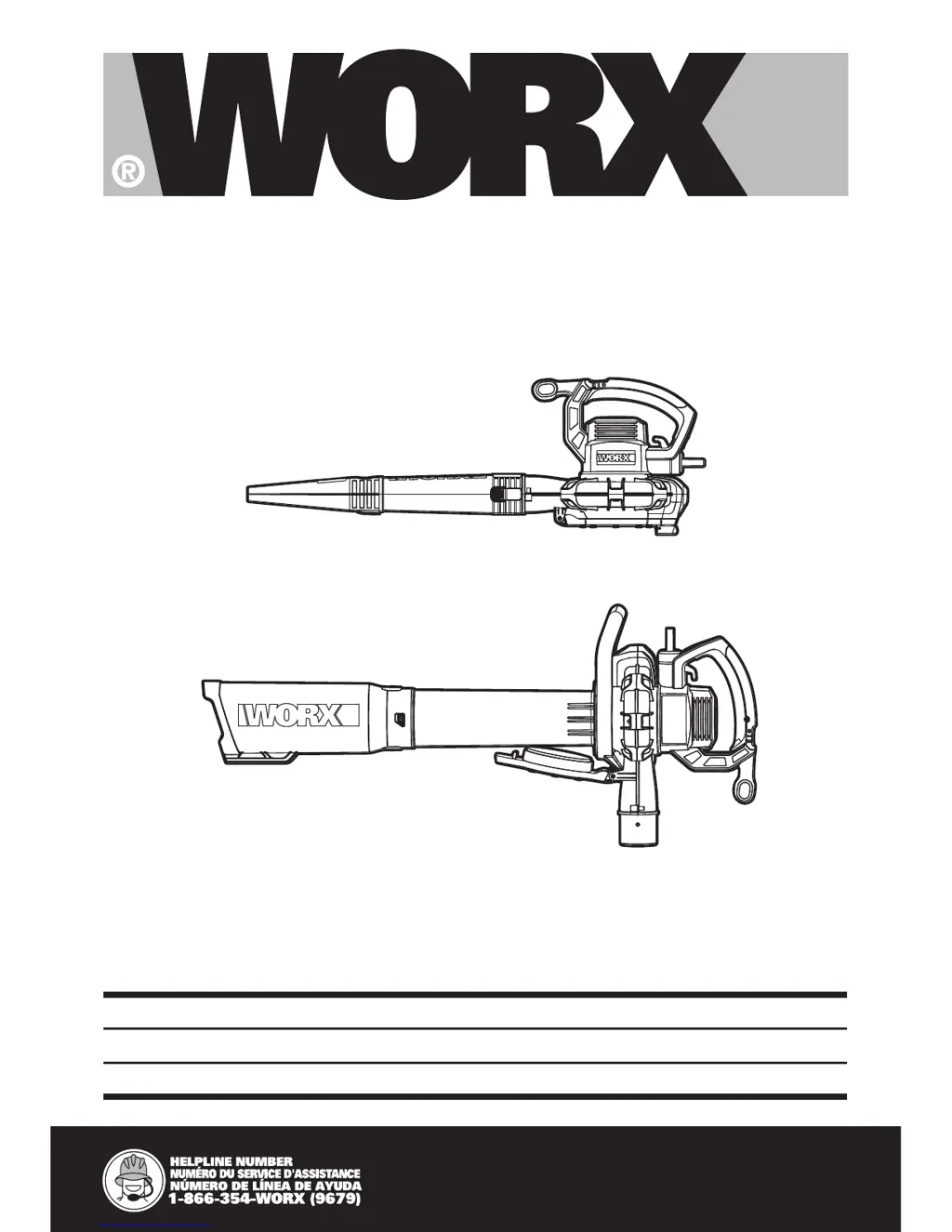
12A 3 in 1 Blower/Vac/Mulcher EN
Souffeur/Aspirateur/Broyeur Tout en 1 de 12A F
Aspiradora/soplador/mulcher 3 en 1 de 12A ES
P06
P12
P19
WG507

Other manuals for Worx WG507

Questions and Answers

  • A
    acummingsJul 27, 2025
    Why is my Worx WG507 Blower not working?
    • L
      Loretta SimmonsJul 27, 2025
      If your Worx Blower/Vac is not operating, make sure that the vacuum tube or the fan cover is properly attached to the motor housing. If it is not, attach the vacuum tube or the fan cover to the motor housing. Also, verify that the power cord is securely connected to a power source. If not, connect it.
  • A
    Angela WebbAug 9, 2025
    What to do if my Worx WG507 Blower/ Vac is jammed or clogged?
    • A
      anthonywiseAug 9, 2025
      If your Worx Blower/ Vac is jammed or clogged, it's likely due to debris blocking the impeller. To resolve this, remove the clogged debris from the impeller. Another possible cause is debris blocking the blower tube or the connection of the leaf collection bag. Clear any clogged debris from these areas to restore proper function.

Summary

Technical Specifications

Accessories

Important Safety Instructions

General Safety Precautions

Essential safety guidelines for operating electrical gardening appliances to prevent injury and hazards.

Double-Insulated Appliance Handling

Replacement Parts

Guidelines for using identical replacement parts during appliance servicing.

Polarized Appliance Connections

Details on polarized plugs and extension cords for safe electrical connection.

Servicing of Double-Insulated Appliances

Double Insulation Explained

Explanation of double insulation symbols and systems for appliance safety.

Symbols and Their Meanings

Instruction Manual Symbol

Indicates the need to read the instruction manual to reduce the risk of injury.

Personal Protective Equipment Symbols

Visual cues for wearing eye and ear protection during operation.

Double Insulation Symbol

Indicates the appliance features double insulation for enhanced safety.

Safety Precaution Symbols

Symbols indicating power disconnection, keeping bystanders away, and general hazard warnings.

Operational Condition Symbols

Symbols for avoiding rain use and cautioning about impeller rotation after shutdown.

Operating Modes Symbols

Icons representing the blower and vacuum operating modes.

Operation

Blow Mode Procedures

Step-by-step instructions for assembling and using the blower function.

Vacuum Mode Procedures

Step-by-step instructions for assembling and using the vacuum and mulching functions.

Maintenance

Troubleshooting

Worx WG507 Specifications

General IconGeneral
BrandWorx
ModelWG507
CategoryBlower
LanguageEnglish

Related product manuals