4
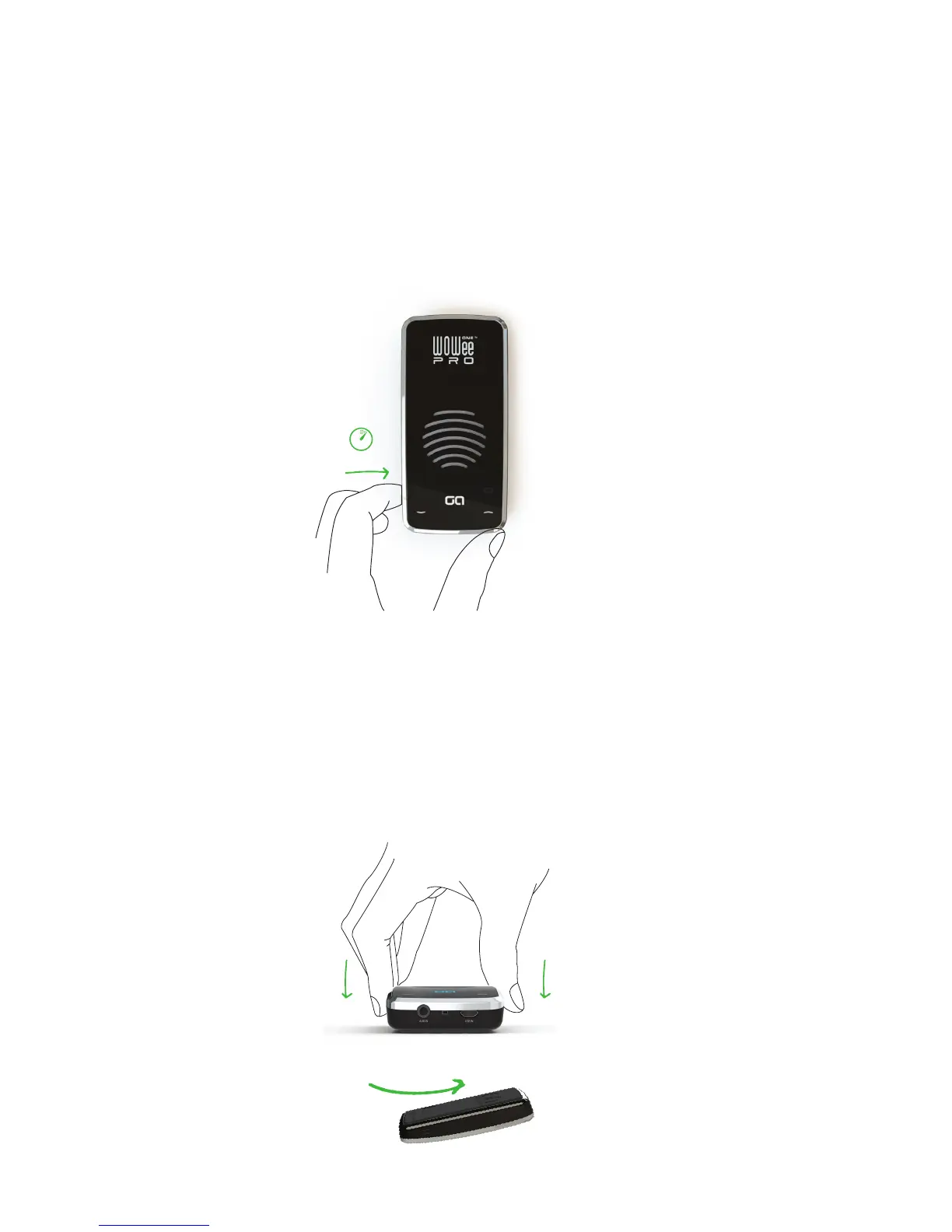
3. Bluetooth On/O
If no bluetooth pairing is made after 3mins bluetooth is turned o. The GA logo turns solid
white to show bluetooth is o. Press and hold the bluetooth button to turn back on. Alterna-
tively if you wish to turn bluetooth o manually, press and hold this button until the GA logo
turns white.
HOLD
3
4. In Use
The unit uses the surface it is placed on to generate deep rich bass. Press the unit down
slightly when positioned to ensure the unit has a good contact with the surface to achieve the
best audio performance. Have fun trying it out on dierent surfaces for dierent sound per-
formance.
** Please note the unit is not designed to stick and hold by itself onto vertical surfaces such as
windows. Please see www.woweeone.com for accessories. **
WIPE
CLEAN
PRESS PRESS
Keep the base pad clean with a damp cloth to ensure a good contact is made with surfaces.


 To Next Page