3
User Guide
1. Power On/O
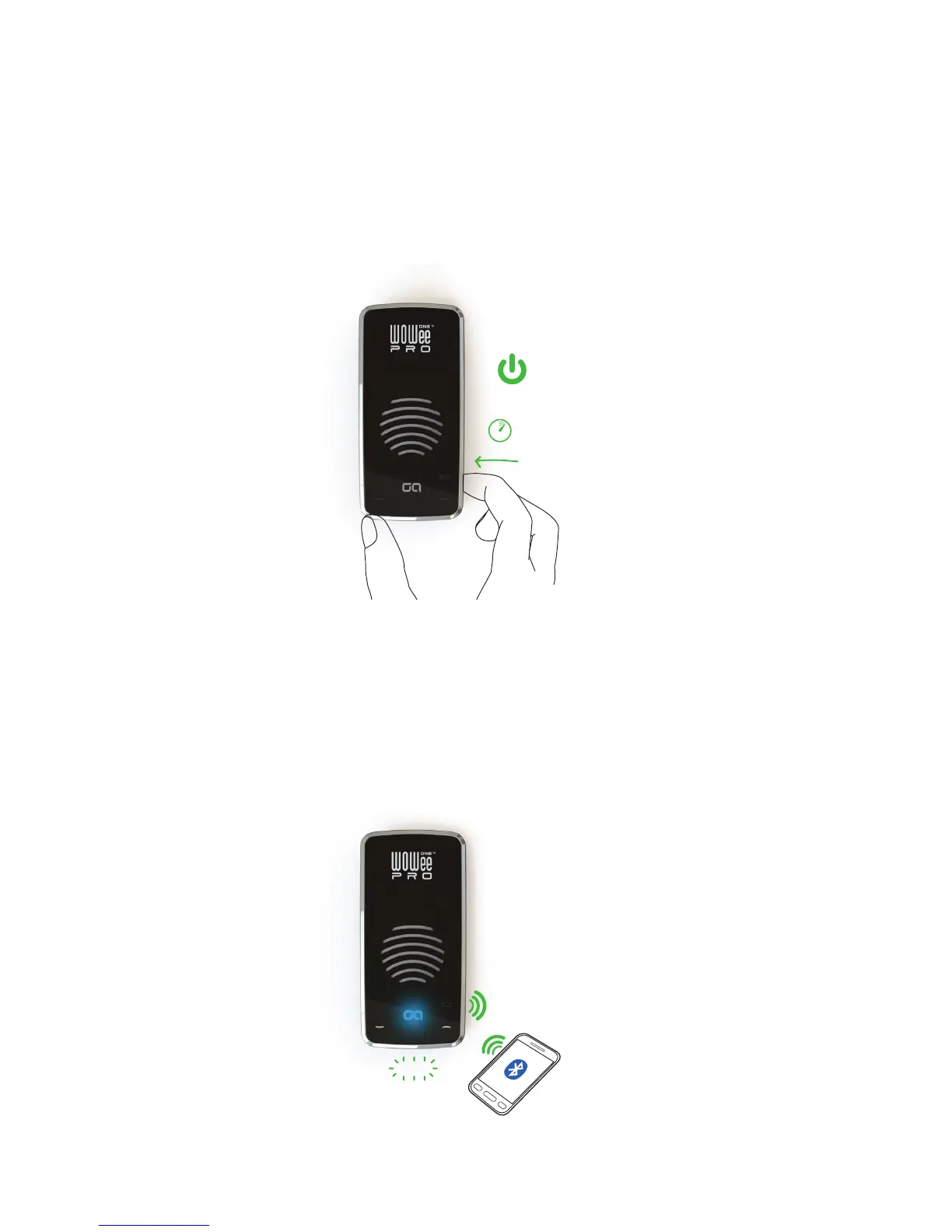
Press and hold the power button to turn the unit on and o. The GA logo will start to ash
blue to indicate the unit is on.
(The unit will turn itself o after several minutes if not used or connected to)
HOLD
3
ON/OFF
2. Bluetooth Pairing
Once turned on, the unit automatically goes into pairing mode, shown by the GA logo ashing
blue. To pair with the unit, search for ‘WOWee Pro’ using your bluetooth device and when se-
lected will pair straight away, with no need for a password. Once paired the GA logo will stay
solid blue to show a connection is made.
FLASH


 To Next Page