6
7. Volume
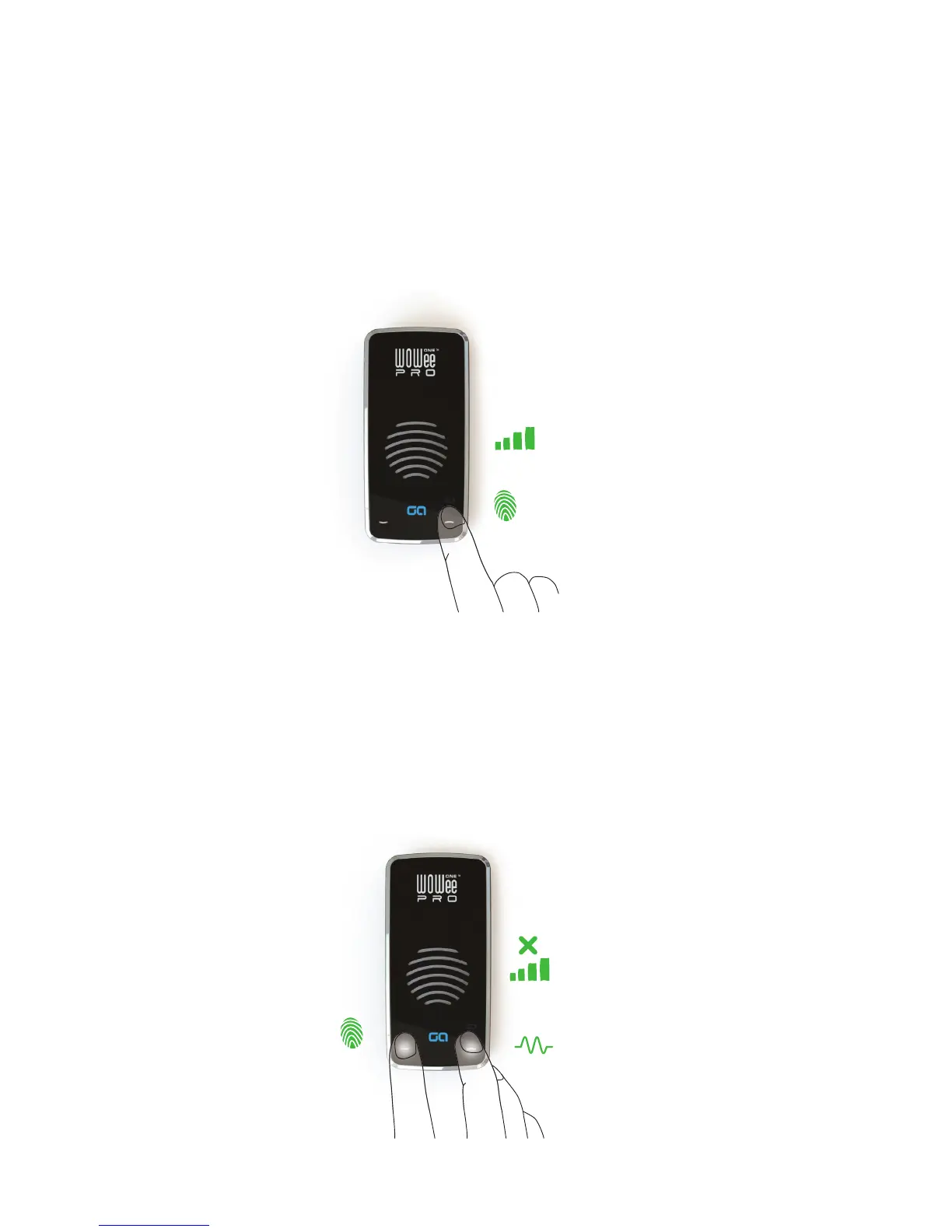
To change volume, touch either the down or up white arrows. The unit will beep to indicate
the volume level has changed. When the volume has reached the lowest level there will be no
more beeps and when the unit reaches the highest level there is a double beep.
TOUCH
VOLUME
- +
8. Muting
Touch both volume arrows together to mute the sound. Volume arrows will begin to pulse on
and o to show mute is on. Press them both again, or just one of the arrows, to un-mute.
During a hands free call the mute function will disable the microphone so that the other per-
son cannot hear you but you will still be able to hear them.
TOUCH
LED
PULSE
VOLUME
- +


 To Next Page