4
Downloading & Pairing
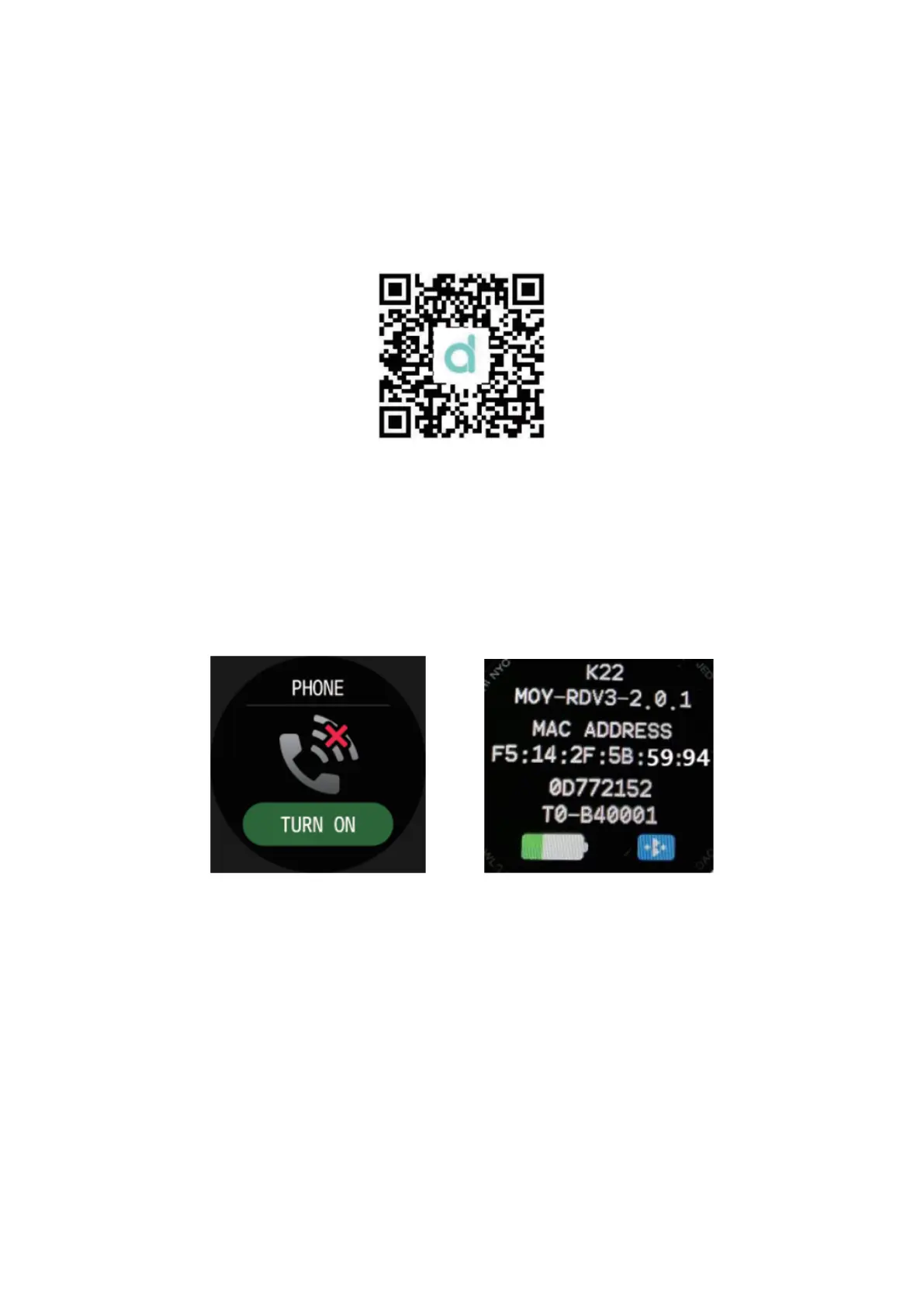
Long press the side button to turn on the watch. Next, download the app “Da Fit” from
your phone’s app store. Alternatively, you can scan the following QR code to download
the app.
Compatible systems: Android 4.4 or above, iOS 8.0 or above.
Then, turn on the Bluetooth on your phone, open the Da Fit app and tap “Add a device”
to connect your phone to your device. Afterwards tun on the phone menu on your
device. Next, go to “About” menu on your watch and check the last four digits of the
MAC address. Then go to your phone’s Bluetooth settings and connect to a Bluetooth
device that ends with those four digits. In the example below, the device’s MAC address
ends with 5994.


 To Next Page