5
Functions
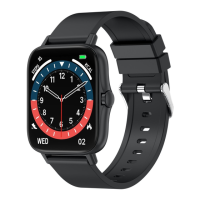
Main Interface
Power on: Long press the side button for three seconds.
Power off: On the main interface, press the side button for three seconds, then click the
checkmark to turn the watch off.
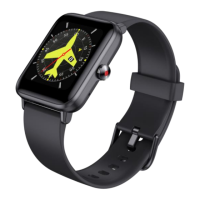
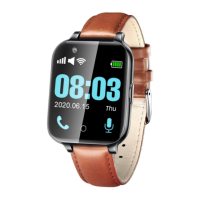
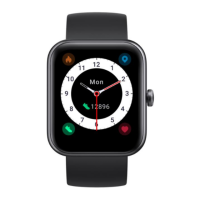
Switch main interface design: Long press the main interface until the interface shrinks
a bit. You can change between various interfaces. The fourth dial can be manually
replaced with user-defined picture or photo in the app.
Functions Menu
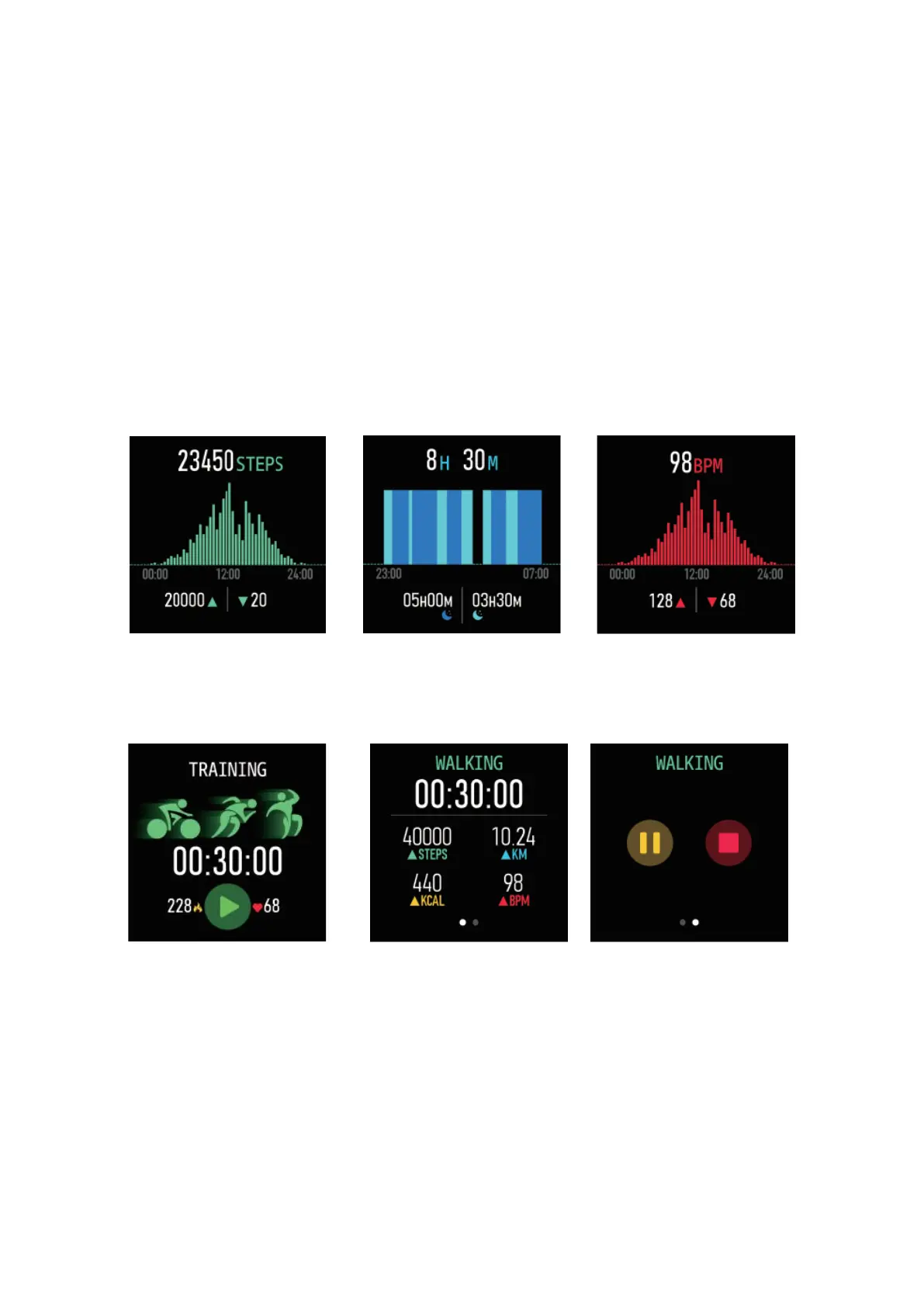
Sleep monitor
Make sure you wear the
watch when you sleep.
Heart Rate monitor
If you need 24-hour monitor,
please turn on the “Full-day
heart rate” in the Da Fit app.
Exercise
Multiple sport modes,
including walking, running,
cycling, skipping, badminton,
baseball, football etc. All
exercise data will be synced
to the mobile phone using Da
Fit app.
In the Exercise function, you can select the sport mode you
want. After you begin your exercise, you will see these values:
time spent, number of steps taken, mileage, calories burnt
and heart rate. By sliding the screen to the left, you will have
the option to pause or stop the exercise.



 To Next Page