
 Need help?
Do you have a question about the WOXTER i-Cube X-DIV 35 XP Slim and is the answer not in the manual?
Details the primary features and capabilities of the media player, such as playback and connectivity options.
Outlines the technical specifications including supported media formats, audio/video outputs, and power requirements.
Guides users on how to connect the media player to various output devices like TVs and monitors.
Explains how to use memory cards with the media player for accessing and managing files.
Details the general operation of the media player, including navigation and menu interaction.
Instructions on how to select and play image files or slideshows on the media player.
Guidance on selecting and playing audio files, including accessing music EQ settings.
Steps for selecting and playing video files from the media player.
Covers operations related to managing files, including copying, deleting, and navigating file libraries.
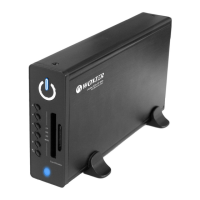
Identifies and explains the functions of the physical buttons located on the front panel of the media player.
Instructions on how to connect and use the media player as an external storage device with a computer.

 To Next Page
 General