7. Saving and Restoring Configuration Parameters
.........
7-1
7.1. Sending Parameters to a File
...................
7-1
7.2. Restoring Saved Parameters
...................
7-2
Appendices:
A. Interface Descriptions
........................
Apx-1
A.1. Console Port Interface
.....................
Apx-1
A.2. Modem Port Interface
.....................
Apx-1
B. Specifications
.............................
Apx-2
C. Customer Service
...........................
Apx-3
Index
....................................
Index-1
List of Figures
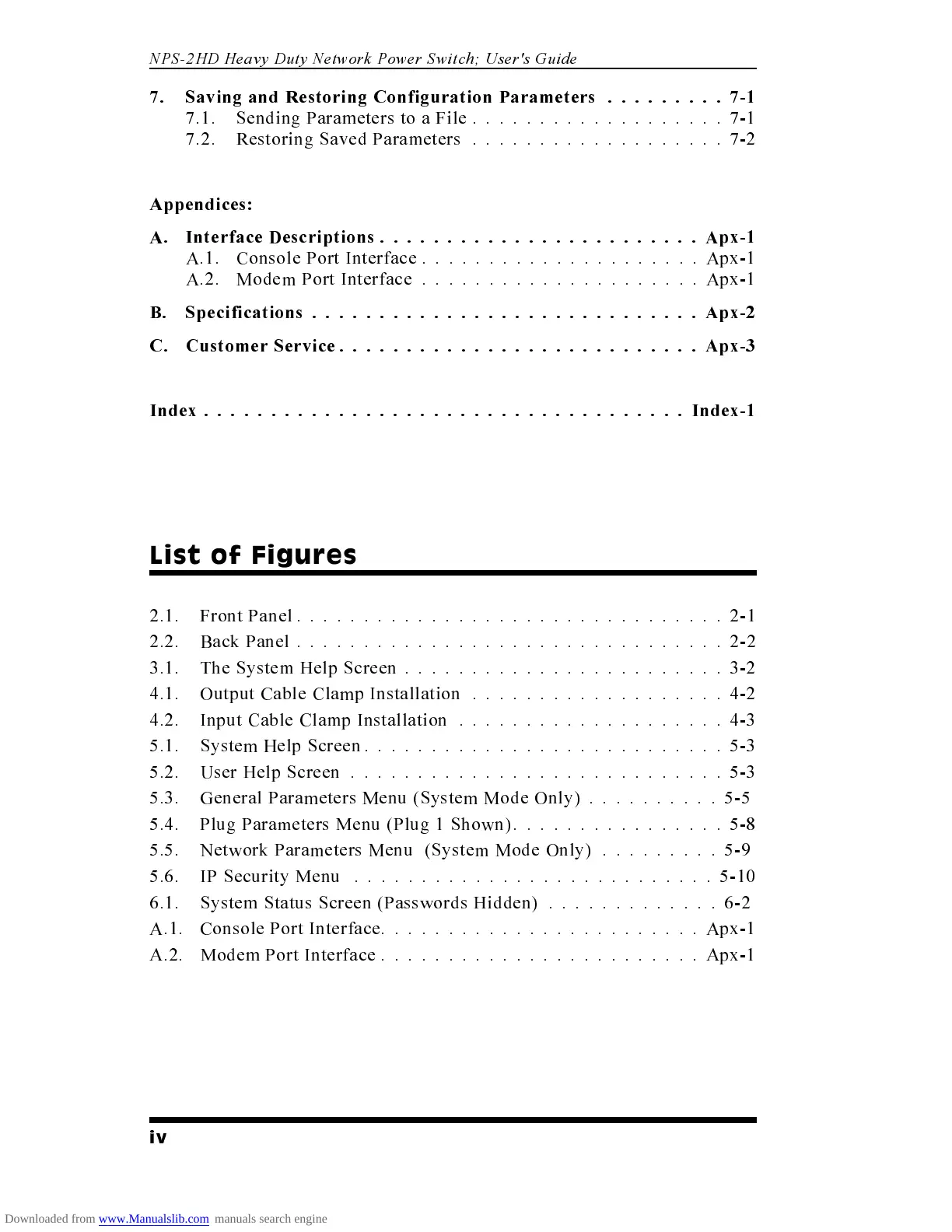
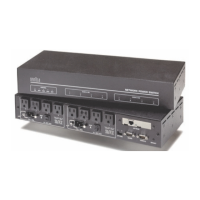
2.1. Front Panel ................................2-1
2.2. Back Panel ................................2-2
3.1. The System Help Screen ........................3-2
4.1. Output Cable Clamp Installation ...................4-2
4.2. Input Cable Clamp Installation ....................4-3
5.1. System Help Screen
...........................
5-3
5.2. User Help Screen
............................
5-3
5.3. General Parameters Menu (System Mode Only)
..........
5-5
5.4. Plug Parameters Menu (Plug 1 Shown)
................
5-8
5.5. Network Parameters Menu (System Mode Only)
.........
5-9
5.6. IP Security Menu
...........................
5-10
6.1. System Status Screen (Passwords Hidden)
.............
6-2
A.1. Console Port Interface
........................
Apx-1
A.2. Modem Port Interface
........................
Apx-1
iv
NPS-2HD Heavy Duty Network Power Switch; User's Guide



 To Next Page