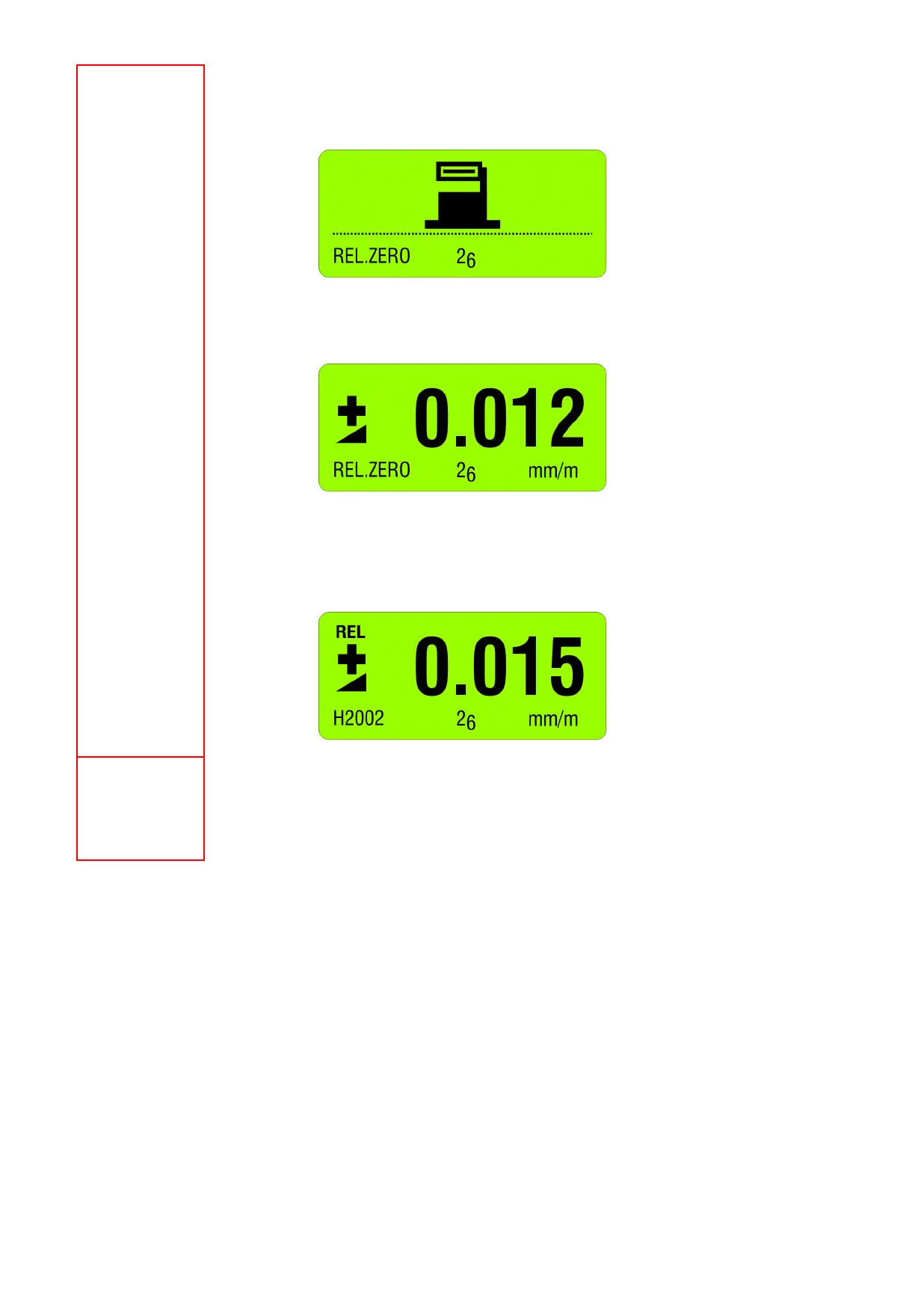
Use the key <ON/MODE> select [REL.ZERO] and confirm with <ENTER>. First the following
picture is shown in the display
Use <ON/MODE> for cancelling the procedure
The following picture is seen. It shows an earlier value for a ZERO OFFSET.
This value may now be changed manually with the key <ZERO/SELECT ±> and then
confirmed with <ENTER>.
On the display the value is seen. This is now the relative value considering the offset. This
value is used for all additional measurements as reference. E.g.
Selection of unit ([mm/m] or [Arcsec])
Using the key <ON/MODE> select the menu [UNIT] and confirm with <ENTER>. Using the
keys <ZERO/SELECT ±> select the required unit and confirm with <ENTER>.



 To Next Page