Need help?
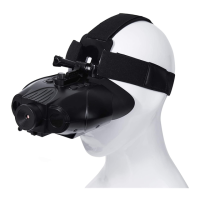
Do you have a question about the X-Vision XANB25 and is the answer not in the manual?
Turns the device on/off and adjusts screen brightness.
Cycles through Photo, Video, and Playback modes.
Zooms in and out, navigates files in playback.
Controls infrared illumination levels for night vision.
Takes photos or starts/stops video recording.
Instructions for inserting AA batteries into the device.
Guide for inserting the SD card for photo/video.
Steps to power on, focus, and adjust IR for viewing.
Steps to capture still images with the binocular.
Instructions for recording video clips.
Solutions for the binocular failing to power on.
Tips for improving image clarity and visibility.
Troubleshooting steps for 'Please insert Memory Card' error.
 General
| Brand | X-Vision |
|---|---|
| Model | XANB25 |
| Category | Binoculars |
| Language | English |


 To Next Page