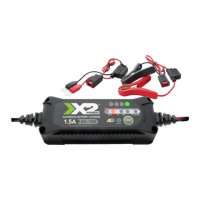
1.5A
6V 12V
OR
50%
75%
100%
25%
STAND BY
MODE
12.8V
LITHIUM
12V
NORMAL COLD / AGM
6V
NORMAL COLD / AGM
AUTOMATIC BATTERY CHARGER
TM
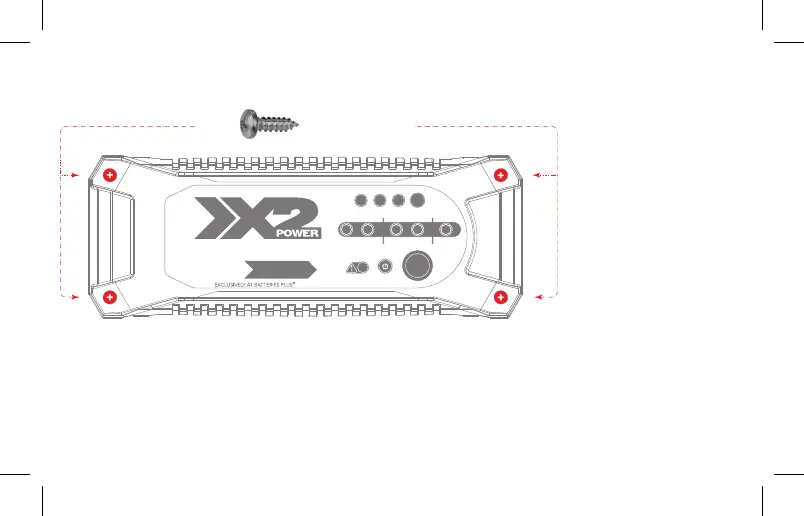
#6 Self Tapping Screws
(Not Included)
MOUNTING
The SLC10003A has
four (4) external holes
for mounting. Mount
the charger in a desired
location with #6 self-drill
screws. Make sure there
are no obstructions
behind the mounting
surface. The DC cable
length from the charger,
with the clamp or
eyelet, is approximately
23-inches (584.2mm).
Allow for 12-inches
(340mm) of slack
between connections.
LOCATION
Locate the charger as far away from the battery as possible. Do not place the charger directly above
the battery as gases from battery will corrode and damage charger. Do not allow battery acid to come
in contact with charger. Do not operate the charger in a closed-in area or an area with restricted
ventilation. Do not set battery on top of charger.


 To Next Page