24
Internet radio IR-1600
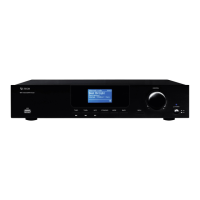
The IR-1600
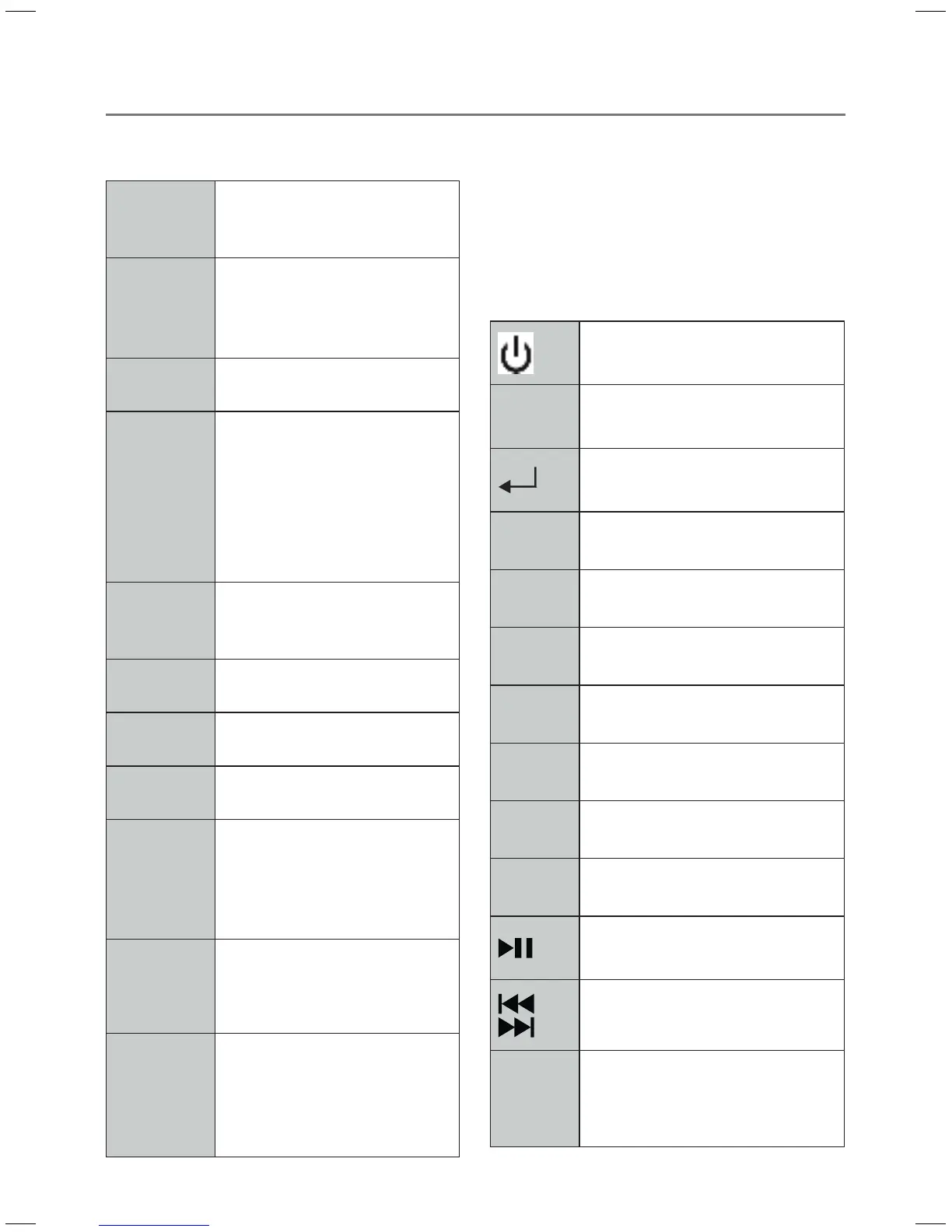
ON/OFF Press to switch radio on
and press again to switch to
standby mode.
Standby
mode
indicator
Indicator lit on red means
radio is in standby mode,
green indicator means radio
is turned on.
Infrared
ray receiver
Receives signals from remote
control.
CONTROL
knob
All mode: turn to browse
options, press to conrm.
FM mode: while FM fre-
quency shows up, turn to
manually tune FM frequency
by 0.05 MHz per step; press
to conduct auto-scan
MODE Press to switch among
Internet Radio, Music Player
and FM Mode
MENU Press to display Main menu
and other options
INFO Press to display queue
information
BACK Press to return to previous
option
P1-P4 Press and hold one of four
buttons to store current
play station; press to recall a
preset statione
Head-
phone
socket
It‘s for inserting 6.3 mm
headphone
USB port It‘s for inserting an appropria-
te USB disk
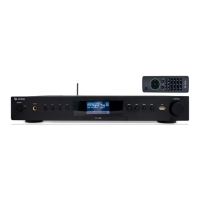
Remote Control
The included system remote control lets
you comfortably control all of the functions
on your device. If you have any questions
regarding this remote control, please contact
our customer service for more information.
Press to switch on/o
˄˅
Channel search forward/
backward
Conrma a selection/select
< >
Select previous/next menu
- VOL + Volume Control
MODE Change of Mode
INFO Shows information
MENU Enter Menu
MUTE Switches Volume o
SCAN Automatic search run
Start/Pause
Previous/next title,
fast-forward/rewind title
P1-P12
Programm slots to select or save
radio station


 To Next Page