Adjusting the Dovetail Clamp
If you find that your camera plate is sliding or the clamp is hanging up on the four shoulder bolts, the
clamp’s two set screws maybe out of adjustment and need to be reset.
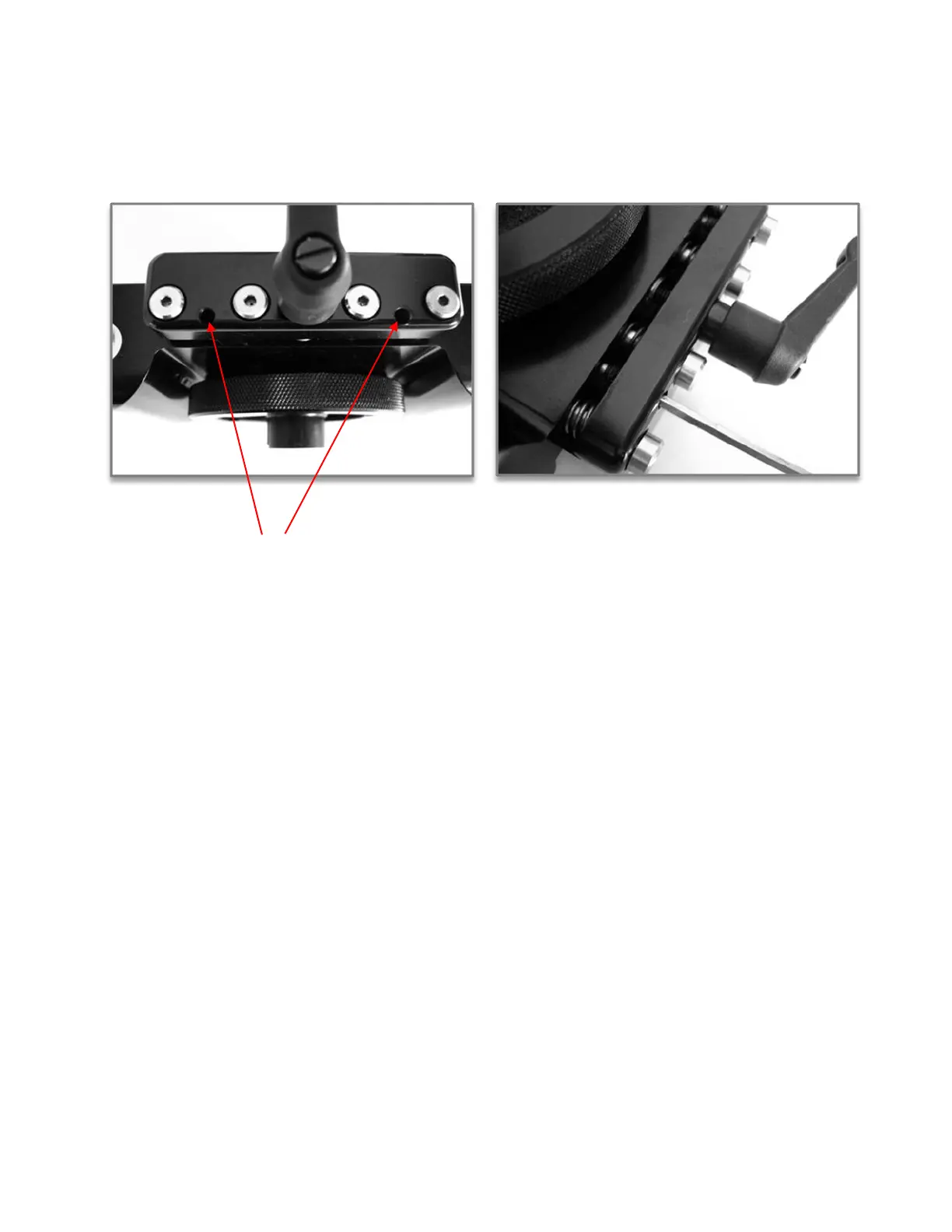
Locate the two set screws on the side of the dovetail clamp, and back them out 2 full turns.
With a dovetail plate in the platform, snug up the clamp using the Kipp handle. Do not over
tighten it as if you are clamping it down, just snug so it takes a bit of end pressure to slide the
camera plate in the camera platform.
Snug up both set screws equally then the locking Kipp handle. The camera plate should hold firm.
(I measure the distance of the gap with a caliper and keep it close +/- .001 when new). The set
screws have a semi hard plastic thread locker on them. Once you set screws they should stay in position
without furthur thread locker. But if the screws seems loose do add a bit of thread locker. I flip the UCP
over (leaving the camera dovetail plate snug) and turn the two set screws in equally. This way I
can see and measure the gap.
Loosen and tighten up the Kipp handle a second time with normal finger pressure and make sure
that the camera plate does not slide. If it does slide, loosen the Kipp handle again back out the
set screws a very small amount - 1/10th of a turn at a time each set screw, remeasure the gap,
and tighten the Kipp handle. Repeat if necessary. I set the gap at +/- 0.001” measured at each
set screw when manufactured.
Just so you understand how little you need to move a 8-32 set screw for this adjustment I will
breakdown the numbers.
32 TPI set screw movement:
0.031” per one full revolution.
¼ turn movement equals .0077”


 To Next Page
 Loading...