is used for a good sound.
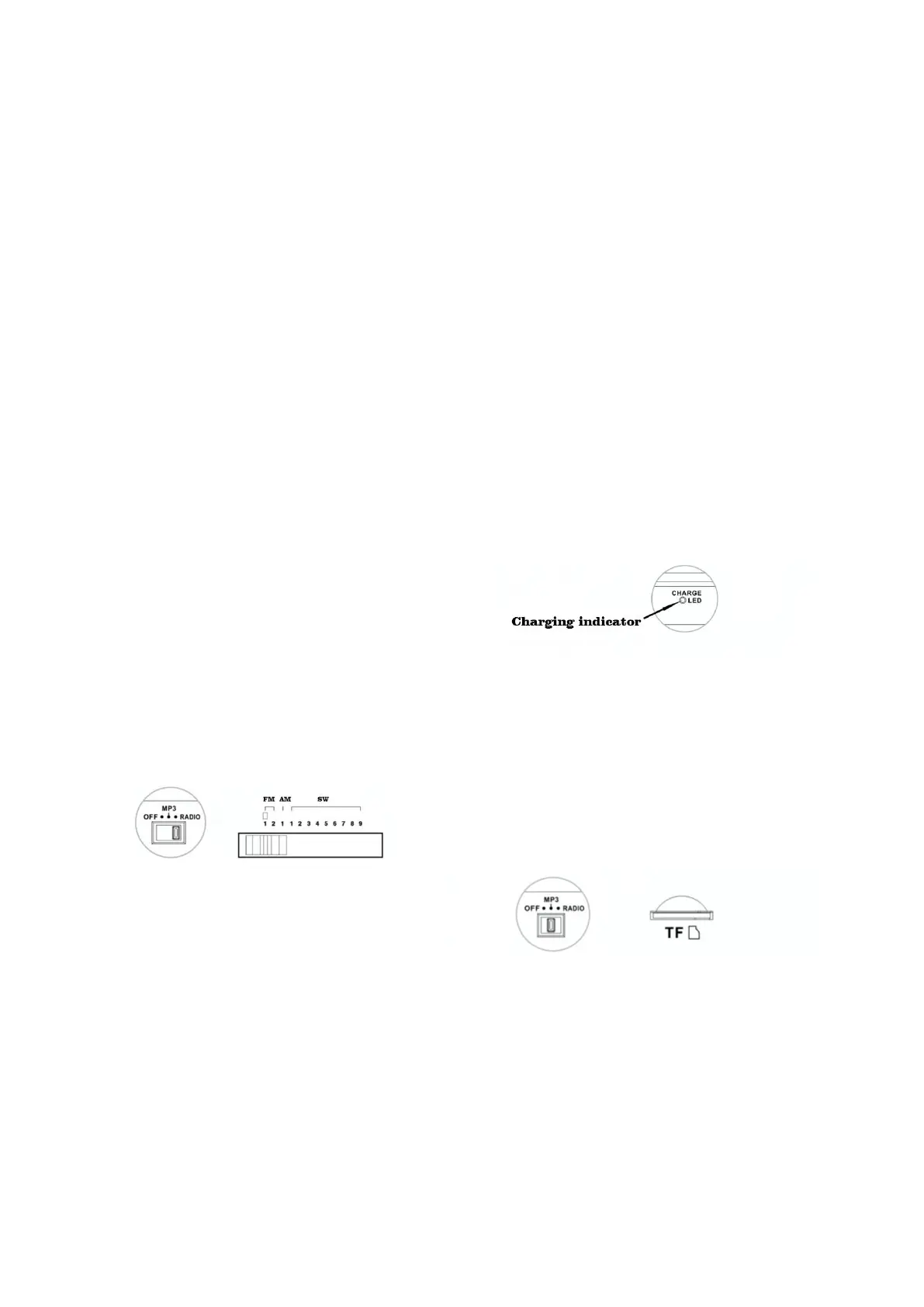
RADIO FUNCTIONS
1.Move the function switch to the “RADIO”
position
2.Turn the band selector knob to your
favorite band, then adjust the volume knob
to the appropriate volume. Slowly rotate
the selection button to your preferred
station, when station signal is strong
enough, the radio broadcast sound is very
clear.
3.While listening FM or SW broadcast, pull
out the telescopic antenna and rotate its
direction to gain best reception
performance; While listening MW
broadcast, rotate radio body’s angle to
obtain best reception effect.
CHARGING THE BATTERY
①When you are using this unit, if the
sound is much quieter or audibly distorted,
MP3 playback restart again and again, or
the unit turns off automatically, it proves
the battery runs low, then you should
charge the device immediately. (If the unit
is not used for a long time, remove the
lithium battery from the battery
compartment, store it at other place and
recharge it at least once every two months
to ensure the lifetime of the battery.)
②For a safe and quick charging, please use
the original Radio Charger (5V / at least
500mA or 1 A). A charger with a stronger
power charges the battery faster. A full
charging will take 6 to 8 hours.
③Ensure that the battery is not inserted
reversely to avoid damage to the battery
and to extend its service life.
Charging indicator: When this unit is
charging connected by a USB charger, the
charge indicator will lights up.
MP3 PLAYBACK
Set the function switch to the “MP3”
position and insert the TF card into the
shown interface, to load and playback the
recorded MP3 audio files.



 To Next Page