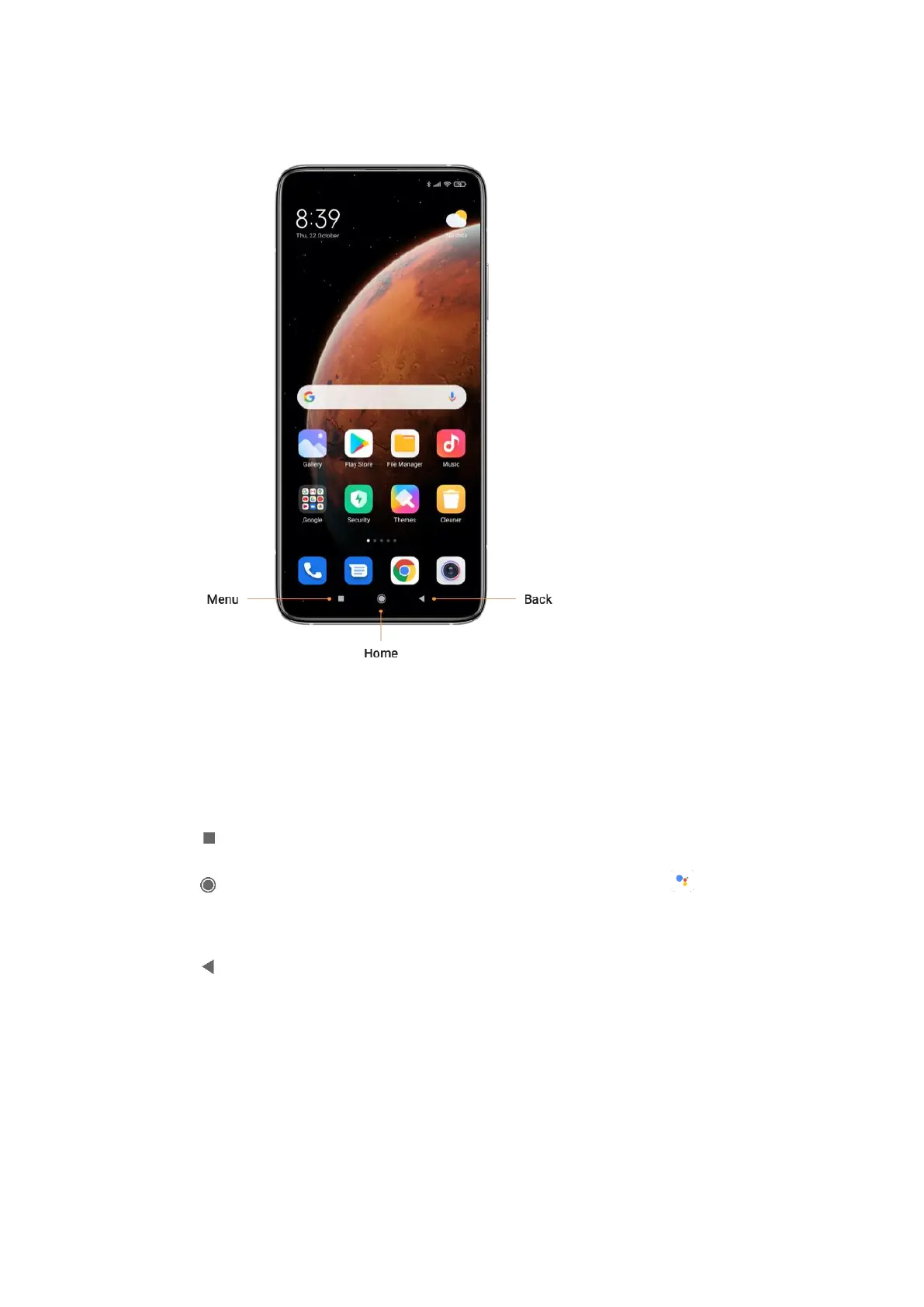
Navigation buttons
The following three navigation buttons appear at the bottom of the screen:
• Menu: Tap to open options relating to the screen you’re on.
• Home: Tap to return to the Home screen. Tap and hold to launch the Assistant
app.
• Back: Tap to open the previous screen that you were working in, even if it was in a
different app. Once you are back to the Home screen, you can’t go back any further in
your history.
Full-screen gestures
You can customize your full-screen gestures by enabling different types of gestures.















 To Next Page