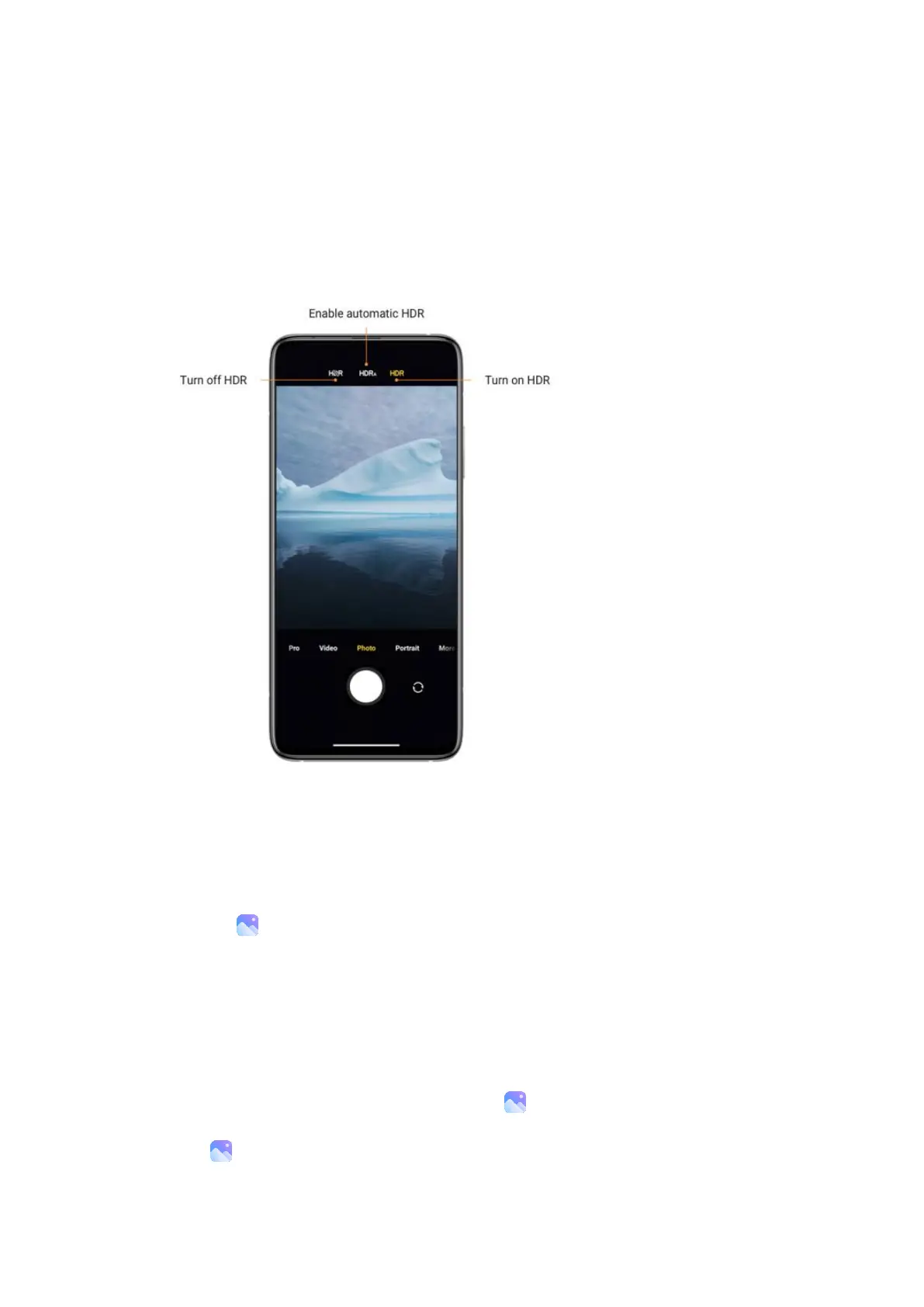
item on your photo is clearly visible.
You'll see the HDR icon on your screen when this feature is on. Taking photos in HDR is slightly
longer than taking regular photos.
(Note: Auto HDR isn't supported on some devices.)
Gallery
Open the Gallery app to view all the visual media stored on your device. You can view, edit,
and manage pictures and videos.
View pictures
Pictures stored on your device are viewable in the Gallery app.
1. From Gallery, tap Photos.













 To Next Page