Time stamps and watermarks
You can add time stamps and device watermarks on your photos by toggling the
corresponding switches in the Camera settings. Device watermarks vary with phone models.
(Note: Device watermarks aren't supported on some devices.)
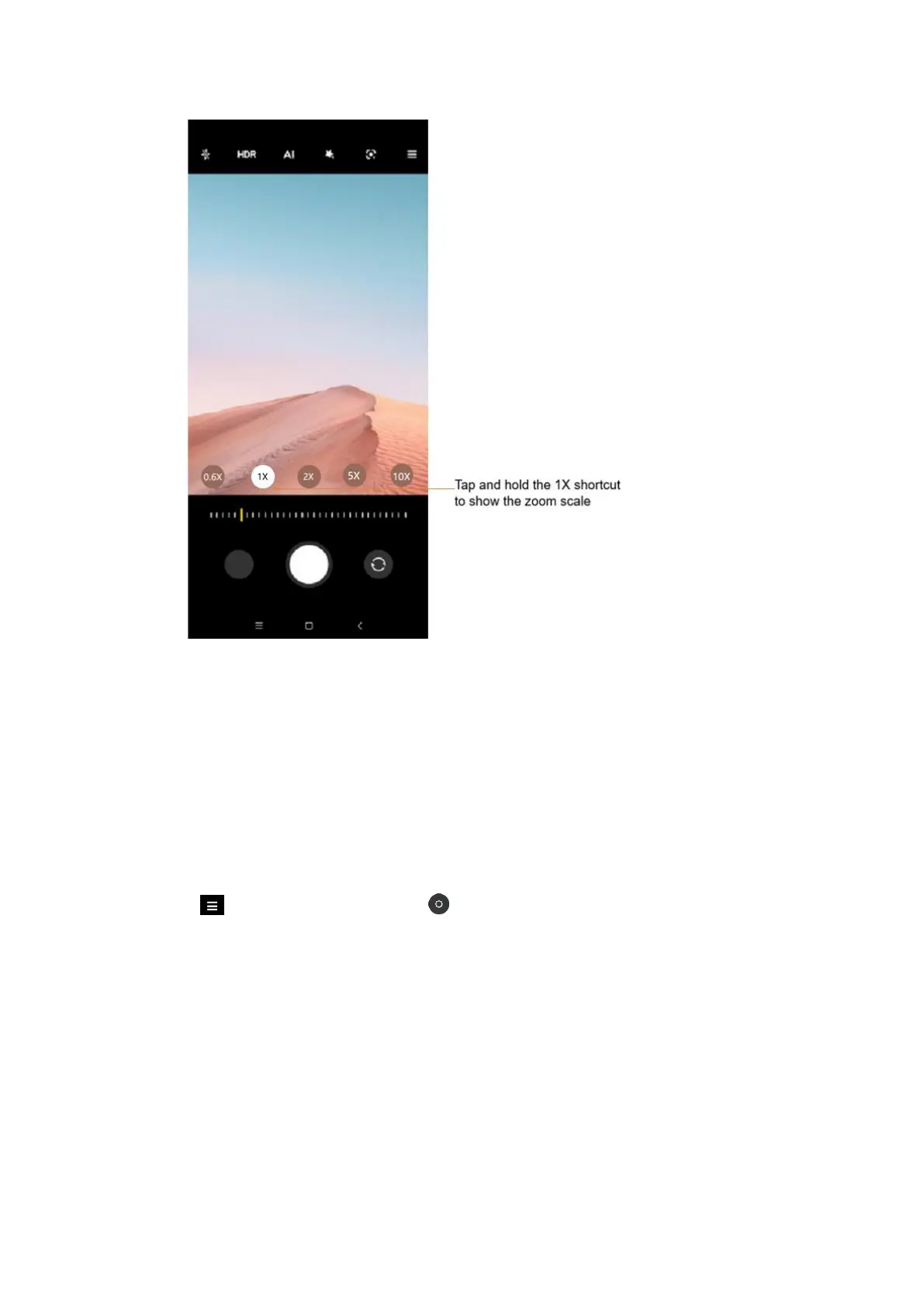
Tap More in Photo mode, and tap Settings. In Camera settings, tap Watermark, and
then enable Add time stamp on photos and Device watermark. You can also tap Custom
watermark to customize one.
HDR
HDR is short for high dynamic range. This feature makes multiple shots in order to
underexpose bright areas and overexpose dark spots and combine them together so every















 To Next Page