
 Need help?
Do you have a question about the Xiaomi Amazfit and is the answer not in the manual?
Connect the USB cable to the suitable connector on the bracelet and a 5V port to charge the device.
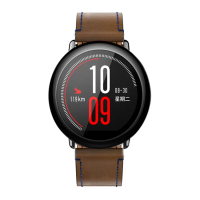
Touch the sensor button to light up the display. Swipe to view functions and select them by clicking.
 General
| Display Size | 1.34 inches |
|---|---|
| Resolution | 320 x 300 pixels |
| GPS | Yes |
| Heart Rate Monitor | Yes |
| Strap Material | Silicone |
| Connectivity | Bluetooth 4.0 |
| Operating System | Proprietary |
| Sensors | Accelerometer, Gyroscope, Optical Heart Rate Sensor |
| Compatibility | Android, iOS |
| Battery Life | 5 days (regular use), 11 days (basic use) |


 To Next Page