Install Mi Home App
1. Scan the QR code below or go to App store to download and install Mi Home app.
2. Turn on the lamp, open the app, and follow instructions.
Make sure that the Wi-Fi network is available and is able to access the Internet properly.
Advanced features
Delayed power off
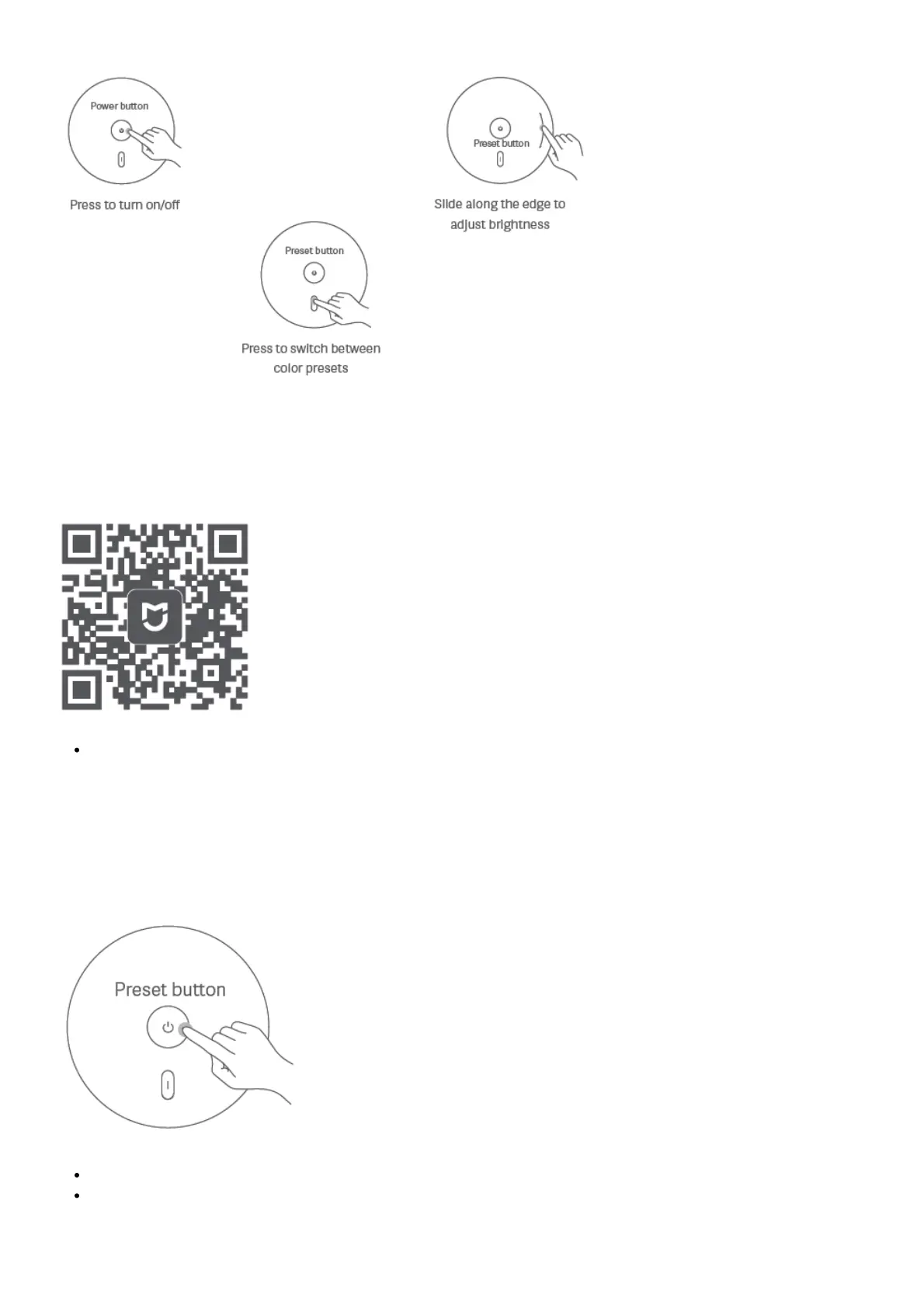
Hold the power button until the light starts breathing, then release.
The lamp will switch off in 15 minutes by default.
You can adjust the delay in the Mi Home app.
Adjusting colors



 To Next Page