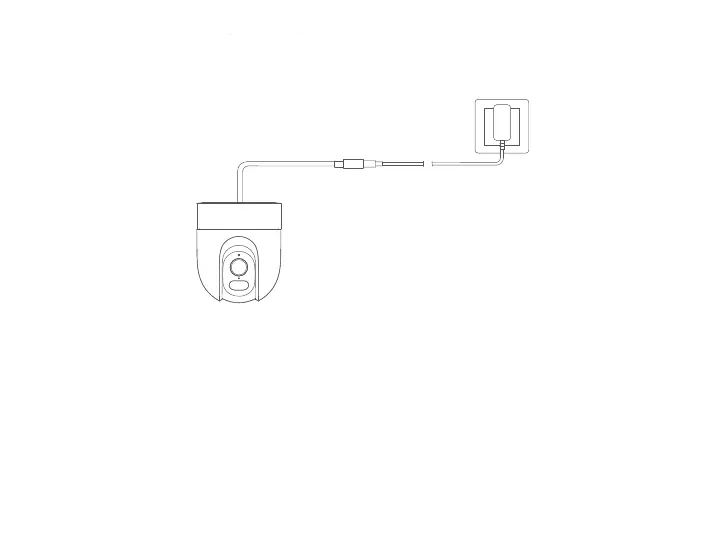
Notes: Please make sure to use the original power adapter cable for connection to avoid abnormal operations. Do not twist the lens of the camera
to force it to rotate aer the camera is turned on. If the lens is not positioned accurately, you may calibrate it via the Mi Home/Xiaomi Home app.
Yellow: Awaiting connection…
Blinking yellow: Connecting to a network…
Blinking blue: Connecting to a server…
Keeping blue: Connected successfully
● Insert the power adapter cable into the power port to automatically turn on the camera.
● The camera is successfully turned on when the indicator light is yellow and a voice prompt is heard.
● Turning on
● Indicator status description
3






 To Next Page