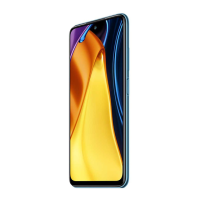
Need help?
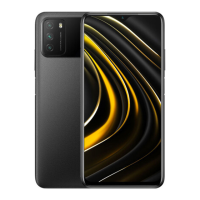
Do you have a question about the Xiaomi POCO M3 and is the answer not in the manual?
Overview of the MIUI for POCO customized Android-based OS and its features.
Details on the SIM card tray, including Nano-SIM and Micro SD card slots.
Information on dual SIM card usage, primary card selection, and VoLTE support.
Precautions for safe device usage in various situations and environments to avoid hazards.
Information on keeping the device secure through software updates.
Declaration of compliance with EU essential requirements and directives.
Guidelines on Specific Absorption Rate (SAR) limits for safe radio frequency exposure.
Legal notices and national regulations for operating the device within the EU.
Details on supported frequency bands and maximum radio-frequency power output.
Compliance with FCC rules, interference limits, and testing for Class B digital devices.
FCC RF exposure guidelines for body-worn accessories and important notes on compliance.
Information on accessing the e-label, device model, NBTC conformity, and disclaimers.
 General
| Brand | Xiaomi |
|---|---|
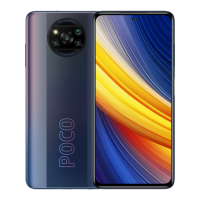
| Model | POCO M3 |
| Category | Cell Phone |
| Language | English |

 To Next Page