6
English
3
Default Extended WiFi Name and Password aer setup
① 2.4G WiFi: Router’s WiFi name with ‘_Plus’ at the end
② 5G WiFi: Router’s WiFi name with ‘_Plus_5G’ at the end
③ Password: Same as the router
Step3: Reposition your range extender
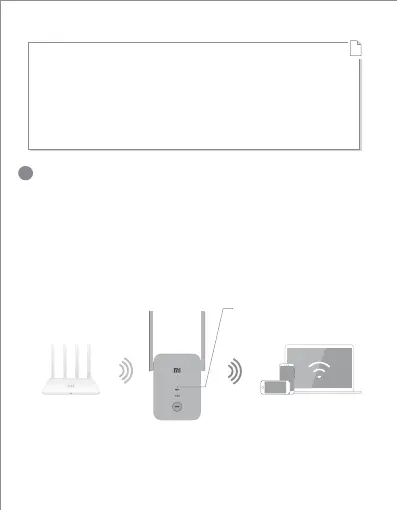
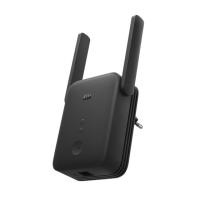
Plug your range extender in a place between your router
and the WiFi dead zone. To achieve beer signal quality, try
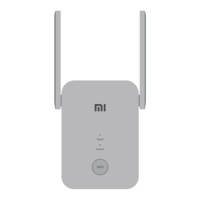
to find a location where the ‘Signal’ indicator is solid blue. If
it doesn’t, relocate the range extender closer to the router.
Blue: Suitable location
Orange/Red: Trying to
move closer to your router
!


 To Next Page