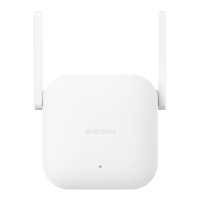
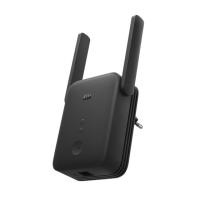
English
If you use the range extender in combination with the Mi
app. If you are using a different router, you can download
range extender, there may be interference on the network.
Open the Mi Wi-Fi app or Mi Home app and check the range
extender status. If the app indicates that the signal is poor,
move the range extender closer to the router and try again.
Open the Mi Wi-Fi app or Mi Home app and check the range
extender status, and then follow the troubleshooting steps
below:
How do I manage the Xiaomi WiFi Range Extender N300?
What should I do if the Xiaomi WiFi Range Extender N300
stops working?
connect the Xiaomi WiFi Range Extender N300?
5



 To Next Page