6
Baery Level Indication
Baery Level While Charging
Indicator Status
0%–99%
Breathing
100%
Keeping on
<10%
Blinking continuously
(low baery, charging required)
0%
Blinking 5 times then going off
(unable to turn on, charging
required)
Baery Level While Using
Indicator Status
10%–100% Keeping on
Indicator Status Descriptions
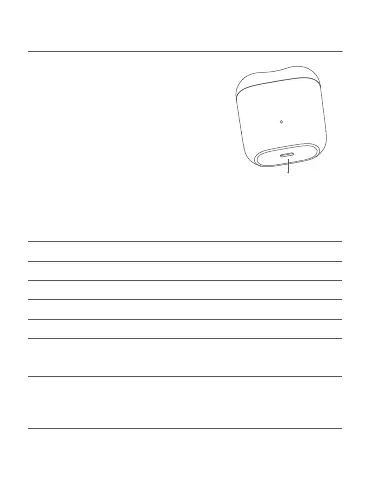
To charge the shaver, connect the
USB port of the charging cable to
the charger, then plug the Type-C
port of the charging cable into the
shaver's charging port. The indicator
will breathe when charging. Once
it is fully charged, the indicator will
remain on.
Type-C Charging Port
(Keep dry)



 To Next Page