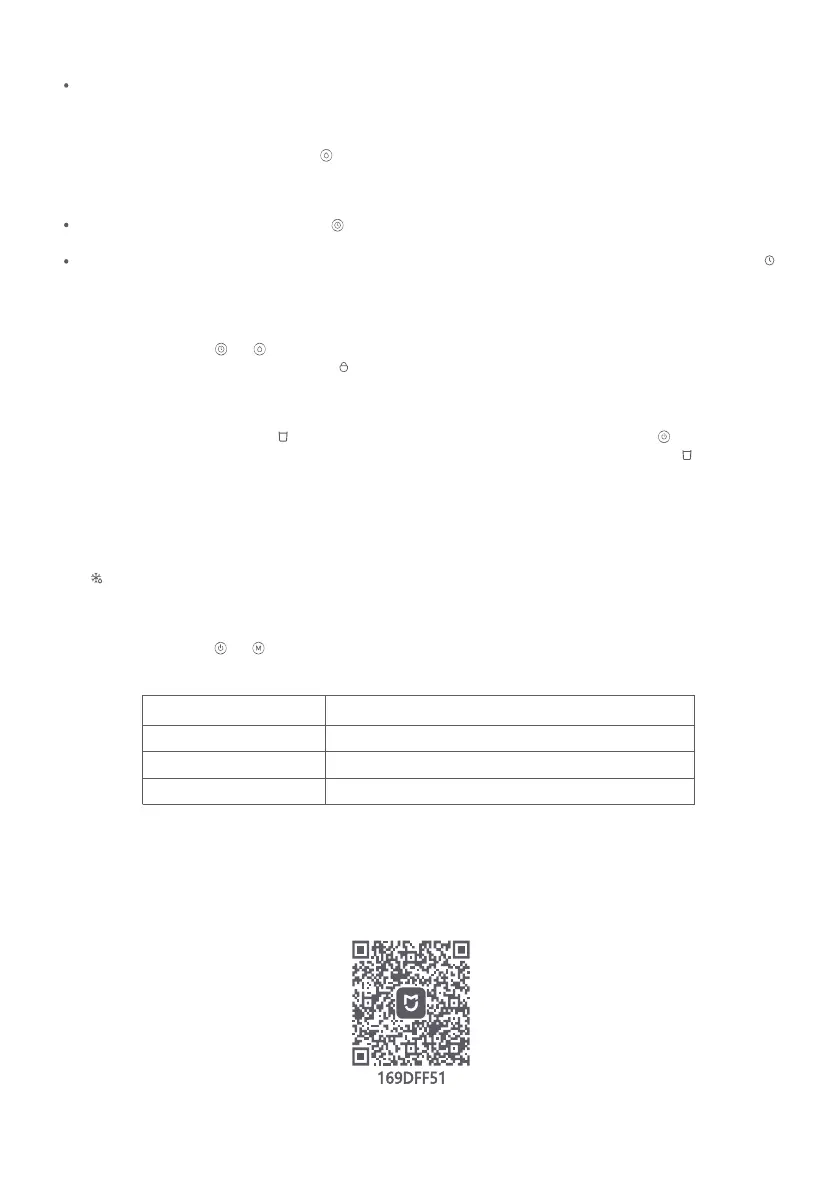
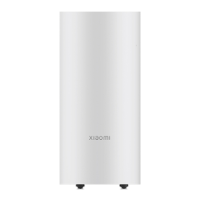
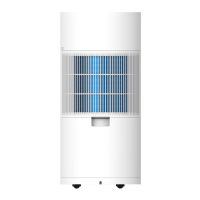
Setting the expected humidity
When the dehumidifier is on, press the button to cycle through the expected humidity: 40%, 45%, 50%, 55%, 60%, 65%, and
70%.
5
Defrosting
The dehumidifier will automatically defrost if its evaporator and condenser are covered by frost at an indoor temperature below
15°C. The compressor will stop operating and the fan will continue to run until defrosting is complete. During defrosting, the
icon will blink slowly on the display. Once the defrosting is complete, the icon of the mode that was running before defrosting
will light on, and the dehumidifier will resume normal operation.
Enabling/Disabling the child lock function
Press and hold the buttons and simultaneously for 3 seconds to enable or disable the child lock function. When the
function is enabled, the display will show the icon and the dehumidifier will not respond to button operations.
Water full alert
When the dehumidifier is operating, if the water tank gets too full or is installed improperly, the dehumidifier will beep 3 times
as an alert, and the water full indicator on the display will blink continuously. All buttons except for button cannot function.
Once the water level in the tank returns to normal and the water tank is secured properly in place, the indicator will go out
and the dehumidifier will resume normal operation.
Note: Once the water full alert occurs, pour out some water from the water tank and reinstall the water tank properly.
Wi-Fi Status Description
Wi-Fi Indicator
Awaiting connection
Connecting
Connected
Description
Blinks slowly
Blinks quickly
Remains on
Resetting the Wi-Fi
Press and hold the buttons and simultaneously for 7 seconds to reset the Wi-Fi connection.
Connecting with the Xiaomi Home App
This product works with the Xiaomi Home app. Use the Xiaomi Home app to control your device, and to interact with other
smart home devices.
Scan the QR code to download and install the app. You will be directed to the connection setup page if the app is installed
already. Or search for "Xiaomi Home" in the app store to download and install it.
Open the Xiaomi Home app, tap "+" on the upper right, and then follow the instructions to add your device.
Note: The version of the app might have been updated, please follow the instructions based on the current app version.
In sleep mode, the dehumidifier will make a normal operating sound. To avoid disturbing your rest, it is recommended to keep
the dehumidifier away from your bed, make it enter standby mode, or disconnect it from power before bedtime.
Scheduling standby time
When the dehumidifier is on, press the button to schedule your standby time. The scheduled standby time can be increased
by 1 hour and the settable range is 1–12 hours.
If the desired standby time is selected with no operation for 5 seconds, the setting will take effect automatically and the icon
will appear on the display.
Note: The dehumidifier will dry for 40 minutes before entering standby mode.


 To Next Page