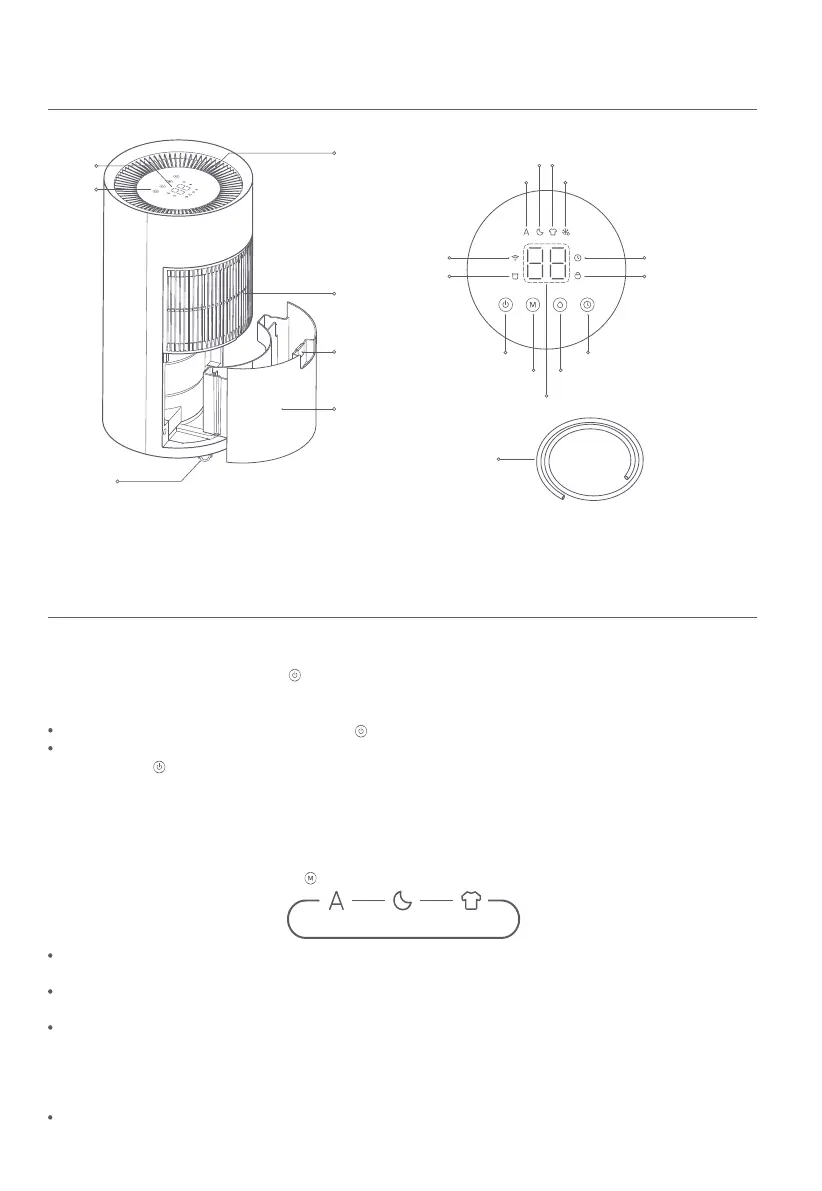
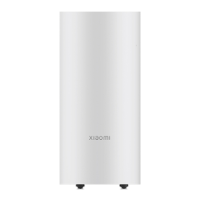
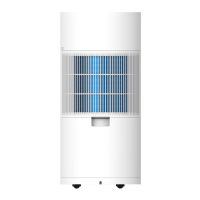
Product Overview
Drainage Hose
Wheel
Air Inlet Grille
Water Tank
Air Outlet Grille
Buttons
Display
Baffle Board
Note: Illustrations of product, accessories, and user interface in the user manual are for reference purposes only. Actual product
and functions may vary due to product enhancements.
4
How to Use
Turning on
Plug the dehumidifier and press the button to turn it on.
Standing by
When the dehumidifier is turned on, press the button to enter standby mode.
The dehumidifier will dry for 40 minutes before entering standby mode to reduce moisture inside. During drying, you can
press the button to forcibly enter standby mode. This function is enabled by default and can be disabled in the app.
Turning off
Unplug the dehumidifier to turn it off.
Switching modes
When the dehumidifier is on, press the button to cycle through the modes of smart, sleep, and clothes drying.
Sleep
Smart
Clothes Drying
Smart mode: The dehumidifier will automatically adjust its settings and fan speed to the room's humidity level and the
expected humidity that you set.
Sleep mode: The dehumidifier will start and stop automatically at a low speed based on the room's humidity level and the
expected humidity that you set.
Clothes drying mode: The dehumidifier will run at a high speed and deliver powerful dehumidifying performance, and the
humidity cannot be set manually in this mode. If the dehumidifier keeps operating for 8 hours in this mode, it will change its
expected humidity to 50%. For optimal drying effect, it is recommended to spin-dry the clothes first and then continue to dry
clothes in an enclosed room.
Notes:
The dehumidifier makes low noise during operation, so there is no significant difference in noise levels between different
modes, which is normal.
Humidity/Standby Time
Defrosting
Wi-Fi Indicator
Child Lock Indicator
Water Full Indicator
Timer Indicator
Sleep Mode
Standby Button
Mode Button Humidity Setting Button
Timer Button
Smart Mode
Clothes Drying Mode


 To Next Page