1
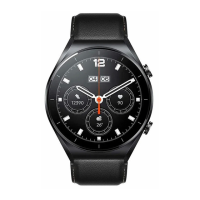
Product Overview
Read this manual carefully before using this product, and retain it for future reference.
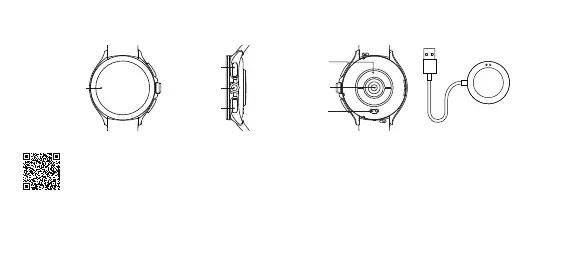
Watch Charging Dock
Display
Screen
Rotate Crown
Power Button
Upper Button
Heart Rate Sensor
Contact Points
Bioelectrical
impedance analysis
(BIA) sensor
For more detailed information about the watch, please connect it with the App and view the instructions.
Scan the QR code to download the App.
How to Connect
Download and install Mi Fitness to better manage your watch, and log in with your Xiaomi account for more services.
Press and hold the power button to turn on the watch. Scan the QR code displayed on the watch with your phone, then download




 To Next Page