5
6
Product Overview
Accessories
Other Accessories
Pre-installed Accessories
Cleaning Tool
Brush
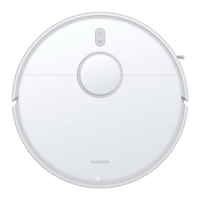
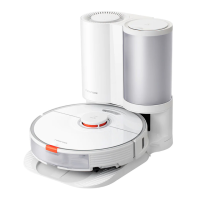
Robot Vacuum
Dust CompartmentBrush Cover
Water Tank
Power Cord
Mop Pad
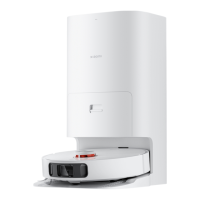
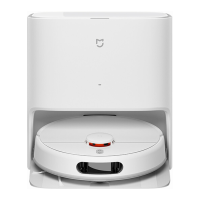
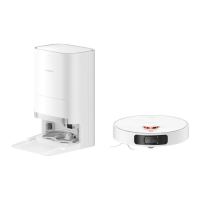
Auto-empty StationSide Brush Disposable Bag
(Disposable Bag Pre-installed)(Replacement)
Note: Illustrations of product, accessories, and user
interface in the user manual are for reference purposes
only. Actual product and functions may vary due to product
enhancements.
Robot Vacuum
Indicator
White: Breathing white:
Blinking orange:
Orange:
Blinking white:
Cleaning/Cleanup completed/Fully charged Charging
Error
Wi-Fi disconnected
Returning to the station to charge/Repositioning/Updating
firmware/Awaiting connection/Connecting to Wi-Fi
Cliff Sensor
Omnidirectional
Wheel
Charging Contacts
Press and hold for 3 seconds to turn on or off
Press to start cleaning after the robot vacuum is powered on
Press to send robot vacuum back to auto-empty station
Press and hold for 3 seconds to enable or disable the child lock function
Side Brush
Main Wheel
Brush
Brush Cover
Main Wheel
Auto-empty Vent
Brush Cover Clip
Docking Sensor
Bumper
LDS Laser Sensor
LDS Laser Sensor
Cover
Cover
Air Outlet/Speaker





 To Next Page