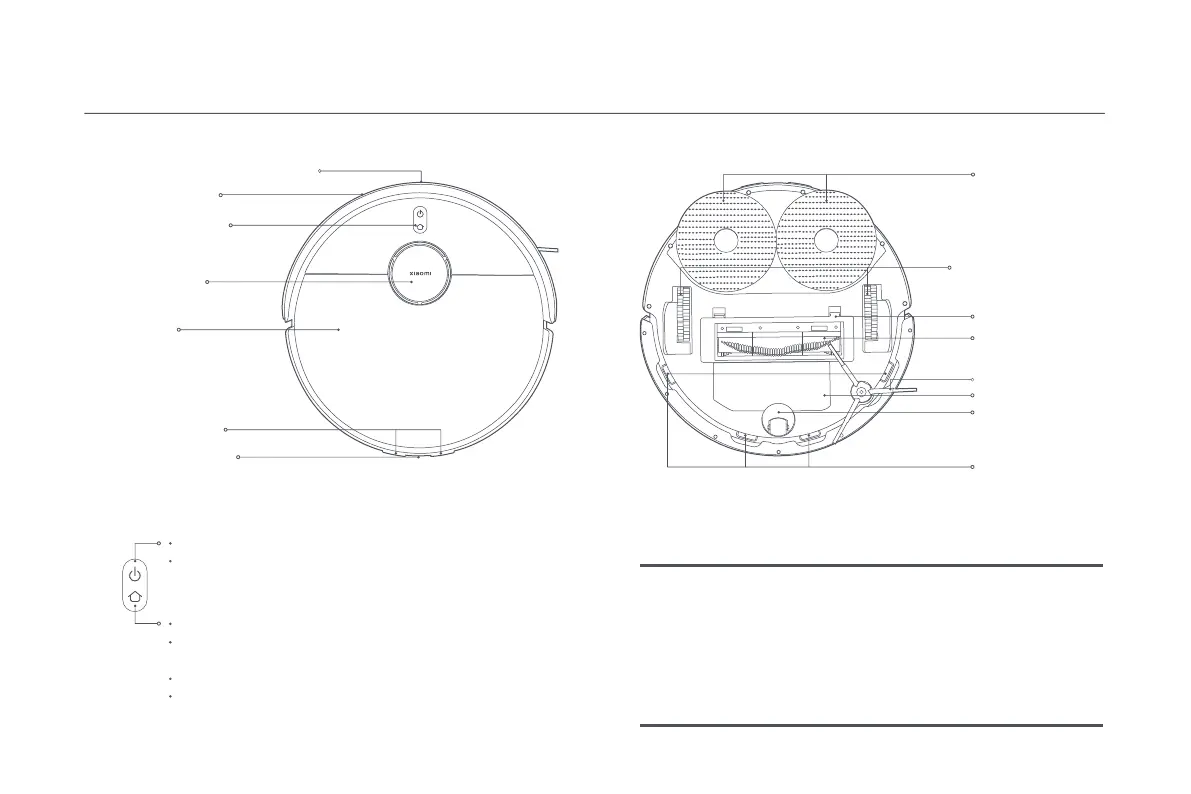
Product Overview
Indicator Status Descriptions
Working normally
In charging
Returning to charge/Updating firmware/
Reseing system/Connecting to the network
White
Breathing white
Blinking white
Wi-Fi disconnected
Error
Low baery and charging
Yellow
Blinking yellow
Breathing yellow
6
TOF Sensor + Front Docking Sensor
Cover
Charging Contacts
Rear Docking Sensor
Laser Radar
(LiDAR Sensor)
Collision Sensor
Buon/Indicator
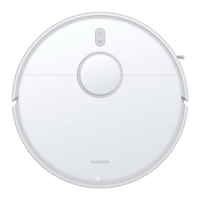
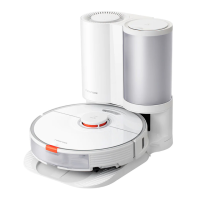
Robot Vacuum
Press and hold for three seconds to turn on or off
Press to clean or pause
Press to pause while running
While paused, press to return the robot vacuum to
the station for charging
Press to stop docking when it returns to the station
Press and hold for 3 seconds to enable or disable the
child lock
Caster Wheel
Mop Assembly
(Detachable)
Le Wheel/Right Wheel
Brush Cover
Brush
Side Brush
Baery Pack
Cliff Sensor





 To Next Page