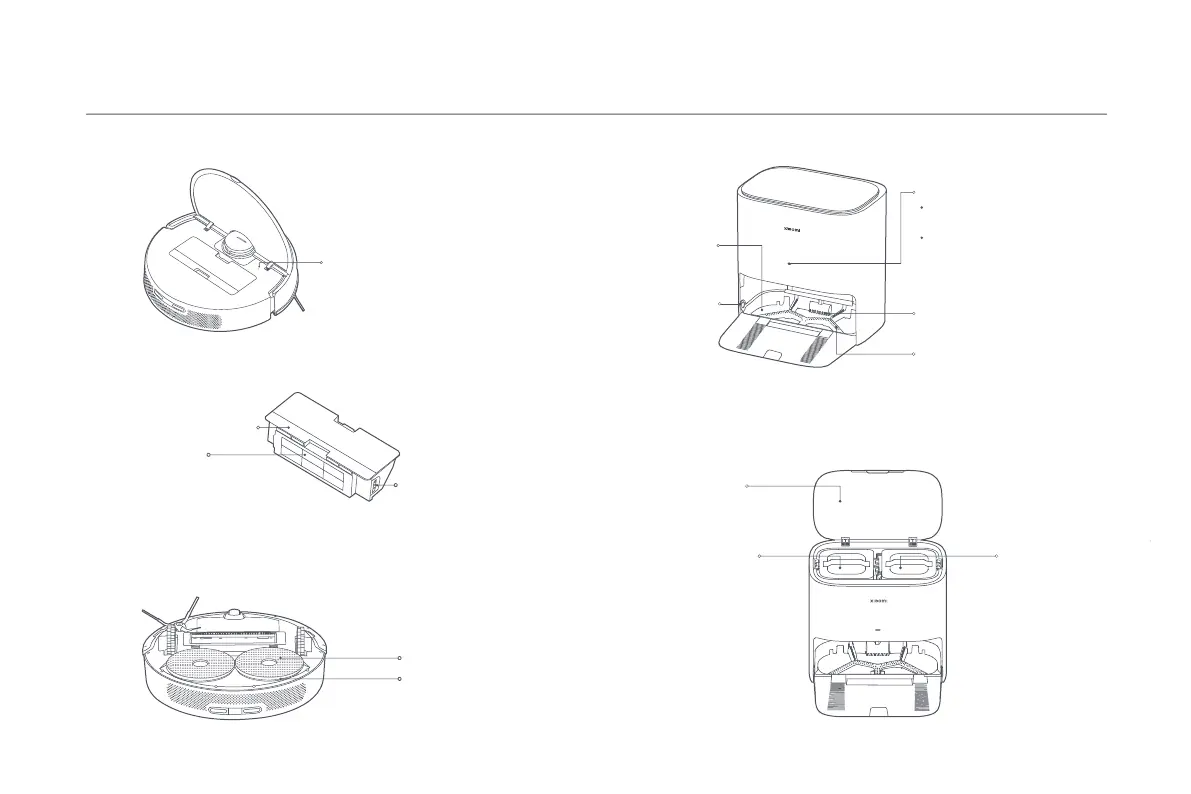
Dust Compartment
Dust Compartment Clip
Dust Compartment Cover
Filter
Dirty Water TankClean Water Tank
Mop-cleaning
Station Cover
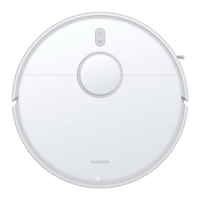
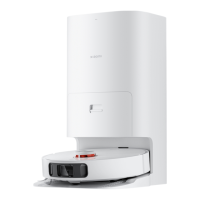
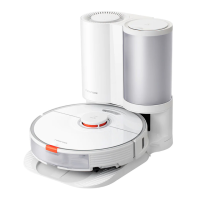
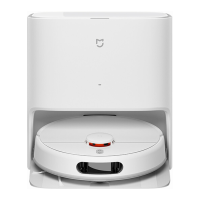
Product Overview
Reset buon:
Press and hold for 3 seconds with a
tool to reset the system
7
Note: The dust compartment must be installed under all cleaning modes. Otherwise,
the robot vacuum cannot start.
Mop-cleaning Station (Placing against wall)
Robot Vacuum
Washboard
Indicator
Washboard
Base
Washboard
Handle
Dirty Water
Filtering Area
White: Mop-cleaning station
status normal
Blinking yellow: Error
Mop Pad Holder
Mop Assembly (Mop Pad Holder + Mop Pad)
Mop Pad





 To Next Page