8
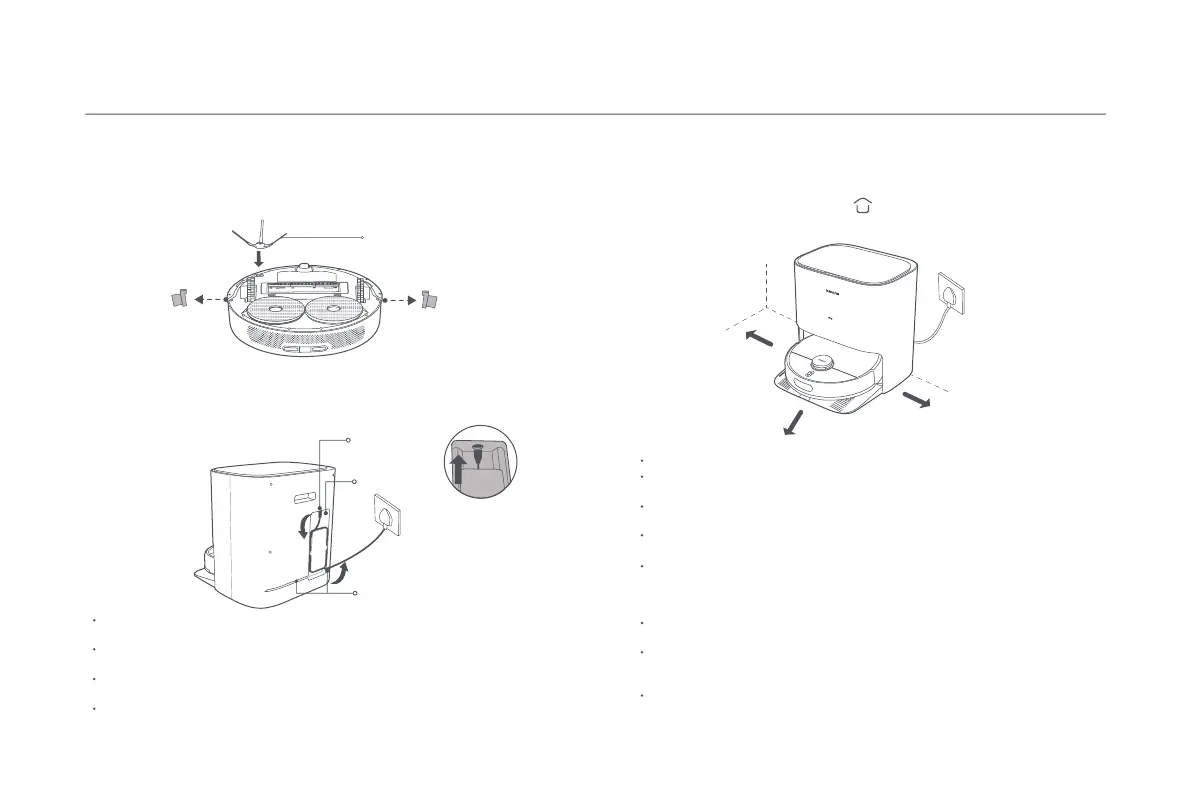
Placing the Mop-cleaning Station Against a Wall
How to Install
Notes:
You can manage the cord set by wrapping it around the cable holder and embedding
it into the cable groove.
To ensure the baery's optimal performance, fully charge the baery for the first
time before use.
If the robot vacuum is unable to turn on due to low baery, place it directly onto the
mop-cleaning station to recharge.
The robot vacuum will turn on automatically aer connecting to the mop-cleaning
station, and cannot be turned off while charging.
Removing and Installing
Connecting to An Electrical Outlet
Protective Strip
Protective Strip
Do not expose the mop-cleaning station to direct sunlight.
Make sure that there is more than 1.5 meters of empty space in front of the
mop-cleaning station and more than 0.5 meters on either side.
Ensure that the cord set is placed properly. Otherwise, it may be dragged by the robot
vacuum, causing the mop-cleaning station to displace or lose power.
Make sure the clean water tank, the dirty water tank, and the washboard are
correctly installed.
When using the robot vacuum for the first time, follow app prompts to quickly create
a map. Moreover, it is recommended to follow the robot vacuum throughout the
whole process to assist in cleaning up items that may affect the work of the robot
vacuum.
Make sure the robot vacuum starts from the mop-cleaning station, and remove
ground obstacles to ensure accurate map creation.
If the robot vacuum may get stuck or scratch the surface of the furniture in some
areas, you can set restricted areas in the app to prevent the robot vacuum from
entering those areas.
The robot vacuum will enter sleep mode aer being paused or on standby for ten
minutes. Press any buon to wake it up.
Notes:
Side Brush
Connect the cord set to the power port and then plug it into an electrical
outlet.
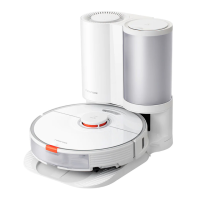
1. Remove protective strips on both sides of the robot vacuum.
2. Take out the side brush, and install it onto the position as indicated in
the figure. The side brush is properly installed when you hear a "click".
Cable Holder
Power Port
Cable Groove
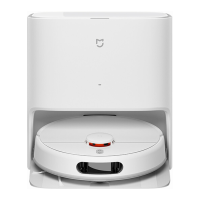
For a first time use, align the charging contacts of the robot vacuum with
the charging contacts of the mop-cleaning station to charge.
During daily use, press the buon to send the robot vacuum to the
mop-cleaning station to charge.
>0.5 m
>1.5 m
>0.5 m





 To Next Page