EasyManua.ls Logo

XIEGU XPA125 - User Manual

XIEGU XPA125
16 pages
Print Icon
To Next Page IconTo Next Page
Loading...
XIEGU
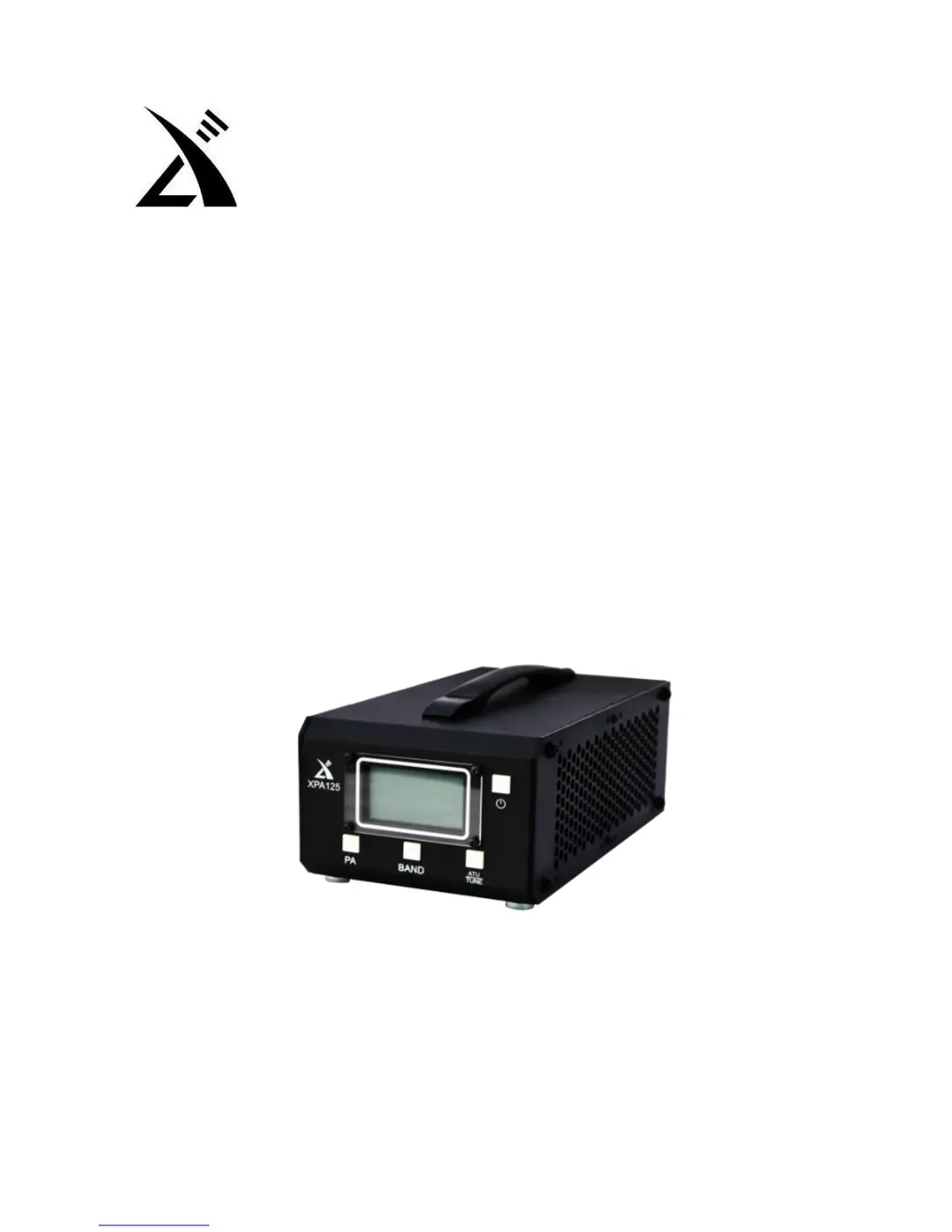
100 W Solid-State Linear Power Amplifier
XPA125
Instruction Manual
Copyright © 2010~2017 Xiegu Communications

Other manuals for XIEGU XPA125

Questions and Answers

  • T
    Tanya BentonAug 14, 2025
    What to do if my XIEGU XPA125 is not transmitting?
    • G
      Gregory GarciaAug 14, 2025
      If your XIEGU Amplifier isn't transmitting, ensure the antenna is properly connected. Also, check that the power supply voltage is adequate, replacing it if necessary. Verify that the antenna SWR value isn't too high and that you've selected the correct work mode. If problems persist, the unit may require repair.
  • J
    James ChambersAug 17, 2025
    Why does the screen on my XIEGU XPA125 Amplifier show no display?
    • J
      Justin ShepardAug 17, 2025
      If your XIEGU Amplifier screen shows no display, ensure the power cord is correctly connected and the power is turned on. If the issue persists, the device may need repair.
  • L
    Laura TurnerAug 21, 2025
    How to fix my XIEGU XPA125 when it is unable to turn on?
    • J
      Jonathan WarnerAug 21, 2025
      If you're unable to turn on your XIEGU Amplifier, start by checking the power cord to ensure it's properly connected and that the power is turned on. If the power cable connection is faulty, replace or repair it. Also, make sure the power supply is correctly connected, without reverse polarity.
  • A
    amy18Aug 25, 2025
    What to do if my XIEGU Amplifier is not receiving?
    • M
      Morgan JonesAug 25, 2025
      If your XIEGU Amplifier is not receiving, ensure the antenna is correctly connected and functional. Confirm the propagation characteristics of the current wave. If problems persist, the unit may require repair.
  • E
    Elizabeth AllenAug 27, 2025
    What to do if my XIEGU XPA125 has no transmission?
    • E
      ewardAug 27, 2025
      If your XIEGU Amplifier has no transmission, ensure the antenna is connected properly. Also, check if the power supply current is adequate, and replace the power supply if needed. If the SWR is too high, triggering protection, start the ATU or replace the antenna/coax. Verify that you've selected the correct working mode and that the power amplifier unit is enabled by setting the PA unit to INUSE.
  • D
    daniel92Aug 30, 2025
    How to fix XIEGU XPA125 Amplifier if it is unable to turn on?
    • R
      Robin WrightAug 30, 2025
      If your XIEGU Amplifier won't turn on, begin by ensuring the power cord is correctly connected. Check the fuse on the back of the unit and replace it if it's blown (30A). Inspect the power cable for any damage and replace or repair it if necessary. If the power supply connection is reversed, return the unit to the distributor.
  • B
    benjaminmarkSep 3, 2025
    What to do if my XIEGU Amplifier screen has no display?
    • B
      bcastilloSep 3, 2025
      If the screen of your XIEGU Amplifier has no display, first ensure the power cord is correctly connected. If it is, check the fuse on the back of the machine and replace it if it has blown (30A).
  • T
    Tiffany GrahamSep 6, 2025
    Why does my XIEGU XPA125 Amplifier have no reception?
    • D
      Donald JosephSep 6, 2025
      If your XIEGU Amplifier has no reception, ensure the antenna is properly connected. If the antenna has failed, replace or repair the antenna coax. Confirm the propagation characteristics of the current band.
  • J
    Jesus PattersonSep 9, 2025
    How to enable the antenna tuning function on my XIEGU XPA125 Amplifier?
    • S
      Stacie CooperSep 9, 2025
      To get the antenna tuning function working on your XIEGU Amplifier, set the ATU unit to INUSE.

Summary

Equipment Description

Rear Panel Layout

Identifies and describes the connectors and ports on the rear panel of the XPA125.

Display Interface Layout

Explains the various information displayed on the XPA125's screen and its elements.

Operating Instructions

Procedure

Outlines the steps for operating the XPA125, including PA unit and ATU functions.

Protection and warning

Covers the intelligent protection functions and abnormal state handling of the XPA125.

After-sales Service Policy

Warranty

Details the one-year warranty coverage for manufacturing and parts defects.

Warranty Limitations

Lists conditions that will void the product's warranty, such as modifications or damage.

XIEGU XPA125 Specifications

General IconGeneral
BrandXIEGU
ModelXPA125
CategoryAmplifier
LanguageEnglish

Related product manuals