Operating REX
There are three basic ways to operate REX: touch screen, navigation
buttons, and application buttons.
Touch Screen
Using the touch screen is easy--just touch the item you want to select on
the screen with your finger or the stylus. Most people prefer the stylus
because it makes it easier to be precise in pointing.
Navigation Buttons
You can perform most of REX's operations using the navigation buttons
along the right side of the unit. Here is a summary of what the buttons do:
Home
Goes to the Home screen, and when pressed and held,
powers REX on/off.
Back
Moves back one screen.
Select
Launches the highlighted option.
Up
.
Scrolls up or left, highlighting the previous item in a list.
Down
Scrolls down or right, highlighting the next item in a list.
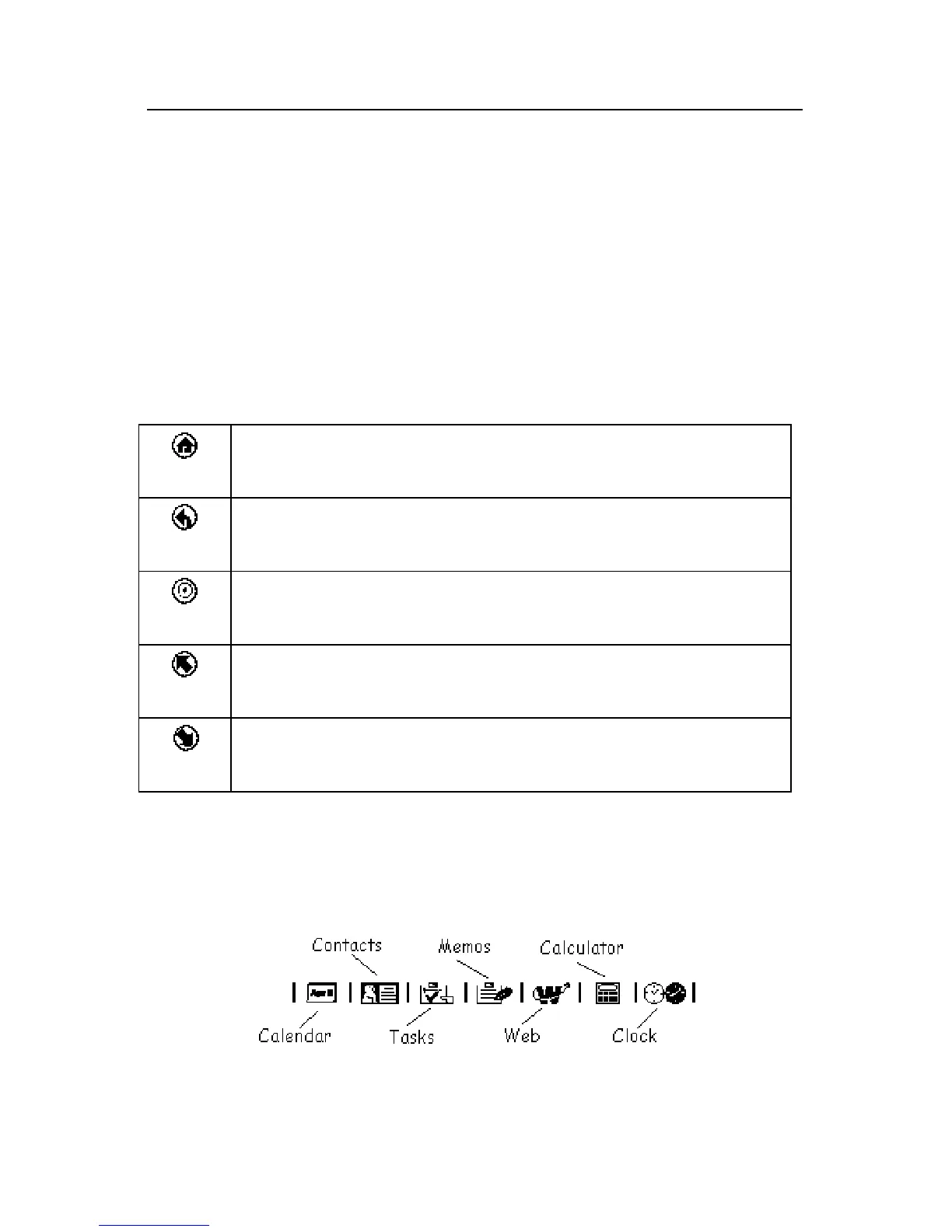
Application Buttons
The application buttons appear in a horizontal strip along the bottom of
the screen. You can touch them with the stylus or your finger to select
REX's different applications (e.g., Calculator, Calendar, Contacts, etc.).



 To Next Page