Run Count:
0-9999 fixture running times
Residue T:
Most running hours unlimited
Residue C:
Most running time unlimited
Type:
LM285 light model
Temp:
xxx led temperature
Fan 1:
0-9999 Fan 1 rotate speed
Fan 2:
0-9999 Fan 2 rotate speed
Lamp brand:
CN/OSM LED brand
DisVersion:
Vxxx Panel software version number
XY Version:
Vxxx
XY Driver software version
number
M1 Version:
Vxxx M1 software version number
ESC back to last interface
ESC
back to main interface
DISPLAY
SETTING
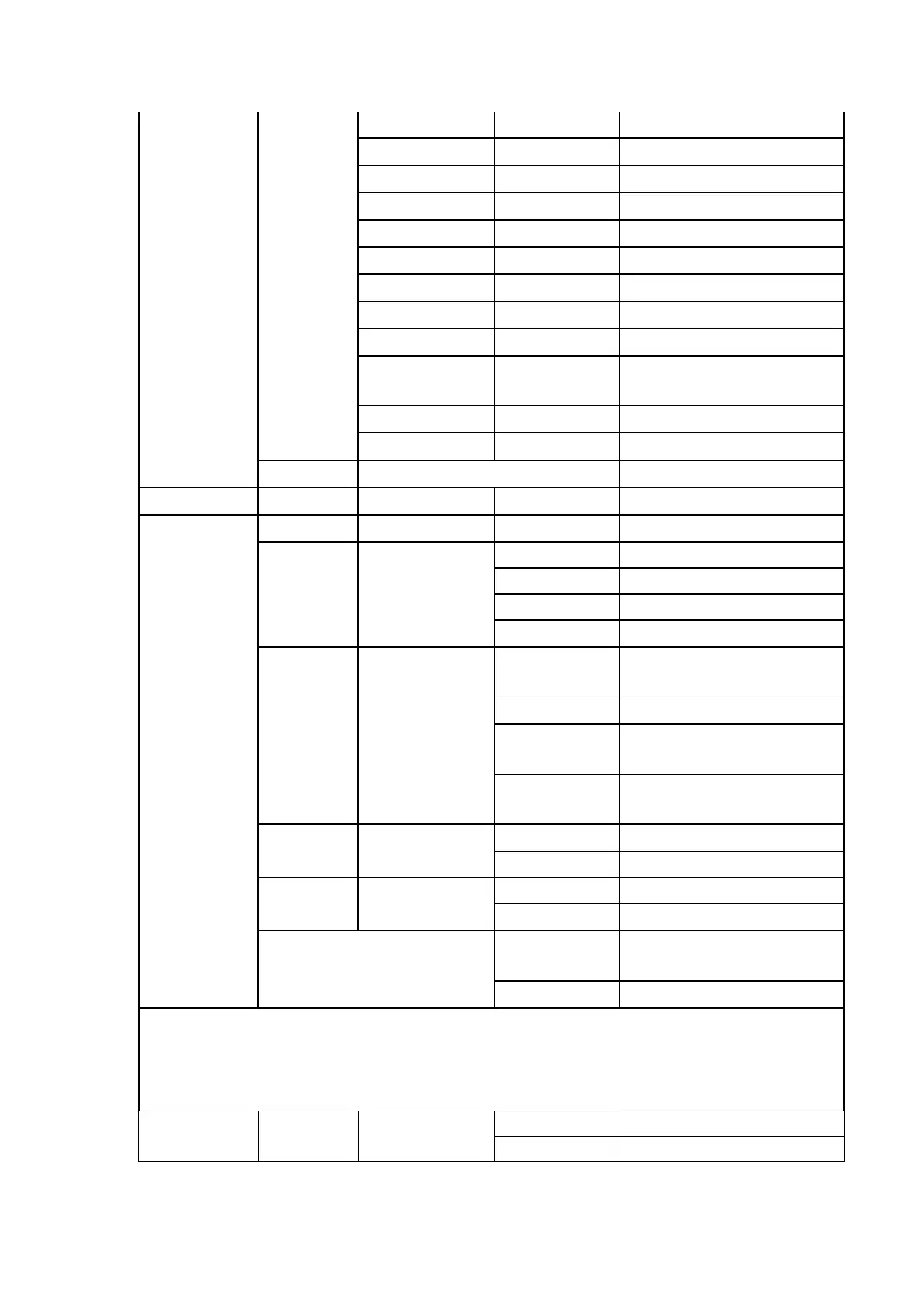
Light Set:
1-7Lev Backlight brightness Settings
Light Off:
On backlight keeps on
1Min backlight off in 1 minutes
2Min backlight off in 2 minutes
3Min backlight off in 3 minutes
Menu Back:
Off
close menu to return
automatically
1Min The menu returns in 1 minute
2Min
The menu returns after 2
minute
3Min
The menu returns after 3
minute
Light Flash:
Off Closing backlight flashing
On open backlight flashing
Touch Cali:
Off Close touch calibration
On open touch calibration
SAVE
save the date and back to main
interface
ESC back to main interface
DIMMER
SETTING
Dimmer
Mode:
Fast fast
Noml smooth


 To Next Page
 Loading...