
 Need help?
Do you have a question about the XONTEL XT- 60 PBX and is the answer not in the manual?
Steps to log in to the XonTel XT-60/XT-120 Web GUI for configuration.
Configuring network settings including hostname, mode, and IP addresses.
Configuring firewall rules and IP auto defense for system security.
Managing user accounts, privileges, and roles within the system.
Step-by-step guide to creating a single new extension.
Settings for configuring FXO (PSTN) trunks, including basic and hangup detection.
Configuration parameters for Register and Peer VoIP trunks (SIP, IAX).
Methods for upgrading the PBX firmware via local PC, HTTP, or TFTP.
Creating, uploading, and restoring system configuration backups.
 General
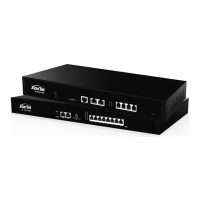
| Type | PBX System |
|---|---|
| Maximum Trunks | 60 |
| Humidity | 10% to 90% non-condensing |
| Ports | Ethernet, FXS, FXO |
| Protocols | SIP |
| Power Supply | 100-240V AC, 50/60Hz |
| Operating Temperature | 0°C to 40°C |

 To Next Page