EasyManua.ls Logo

Xoro HSD 8460 - User Manual

Xoro HSD 8460
78 pages
Go to English
Print Icon
To Next Page IconTo Next Page
Loading...
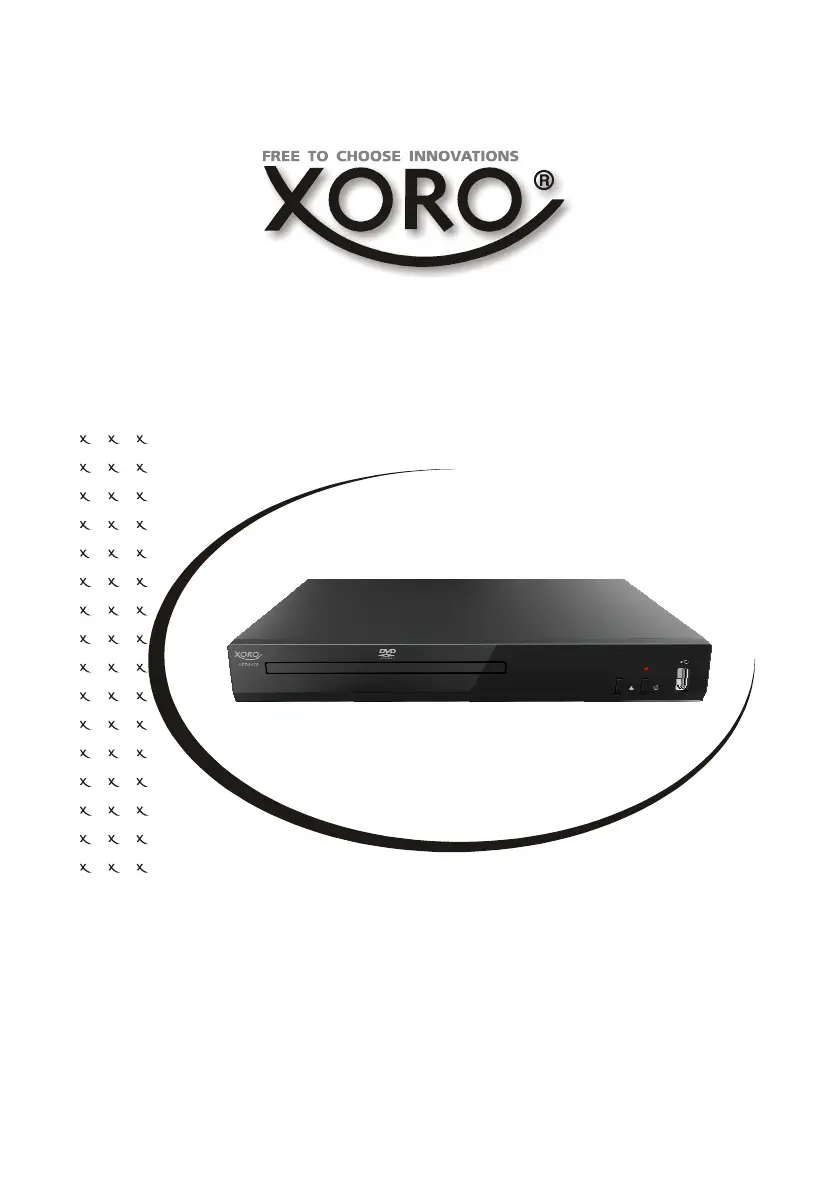
HSD 8460/ HSD8470
MPEG-4 DVD-Player mit HDMI
BEDIENUNGSANLEITUNG
USER MANUAL

Questions and Answers

  • K
    kmooreAug 15, 2025
    Why is my Xoro HSD 8460 DVD Player remote control not working?
    • M
      Megan MurrayAug 15, 2025
      If your Xoro DVD Player remote control isn't working, first, check the batteries and ensure they are correctly inserted with the right polarities. If the batteries are old, replace them with new ones. Make sure there are no obstacles blocking the path between the remote and the Infrared sensor on the DVD player. Point the remote directly at the sensor and stay within 5 meters of it.
  • B
    Beverly SmithAug 18, 2025
    What to do if my Xoro HSD 8460 DVD Player has no playback?
    • K
      kelly60Aug 18, 2025
      If your Xoro DVD Player isn't playing discs, condensation might have formed inside. Wait for 1 to 2 hours to let the player dry out. Also, ensure you're using a compatible disc format like DVD, CD, or ISO Data disc. Check if the disc is clean and inserted correctly with the label side up. The disc may have too many scratches. DVD+/-RW discs should be finalized. There could be a region code incompatibility or the parental lock function could be enabled. The Pre-set password is 8806.
  • N
    Nicholas SosaAug 21, 2025
    How to reset the password on Xoro HSD 8460 DVD Player?
    • D
      Denise LawsonAug 22, 2025
      If you've forgotten the password for your Xoro DVD Player, the master password is 8806. Enter this password in the Preference setup settings, under the Password option.
  • M
    Megan WeissAug 25, 2025
    Why is my Xoro DVD Player showing interference or scrolling?
    • C
      chelsey46Aug 26, 2025
      If your Xoro DVD Player displays interference or scrolling, ensure the TV type setting (PAL/NTSC) is correct. You may also need to adjust the vertical hold setting on your TV.
  • D
    Derrick HallAug 28, 2025
    What to do if Xoro HSD 8460 DVD Player has no picture?
    • N
      Nathan HawkinsAug 28, 2025
      If you're not getting any picture on your Xoro DVD Player, make sure all the equipment is connected properly. Also, check that the LCD screen is turned on.
  • A
    Annette HayesSep 1, 2025
    Why does my Xoro HSD 8460 DVD Player have no sound?
    • V
      Vincent LarsonSep 1, 2025
      If your Xoro DVD Player has no sound, first, ensure that all the equipment is connected correctly. Verify that the input settings for both the TV and stereo system are properly configured. Also, confirm that the disc actually has an audio track.
  • V
    Vanessa ButlerSep 3, 2025
    How to fix a Xoro HSD 8460 with no power?
    • K
      Kyle WalkerSep 4, 2025
      If your Xoro DVD Player isn't powering on, check that the AC adapter or power cord is securely connected. If you're using battery power, make sure the battery isn't exhausted.
  • M
    Michael HallSep 7, 2025
    Why are subtitles not showing on my Xoro DVD Player?
    • T
      Tyler LozanoSep 7, 2025
      If your Xoro DVD Player isn't displaying subtitles, it could be due to several reasons. First, subtitles only appear on discs that actually contain them. Check if the disc includes subtitles. It is possible, that the MPEG-4 subtitle format is wrong. If you are using MPEG-4 files, rename the subtitle file to match the movie file name (for example, movie.avi and movie.srt).
  • P
    peter18Sep 12, 2025
    What to do if Xoro HSD 8460 DVD Player has no key operation?
    • C
      Charles MaySep 12, 2025
      If your Xoro DVD Player is unresponsive to key operations, try turning the unit off, waiting a couple of minutes, and then turning it back on.

Xoro HSD 8460 Specifications

General IconGeneral
BrandXoro
ModelHSD 8460
CategoryDVD Player
LanguageEnglish