72 / 99 www.xovis.com
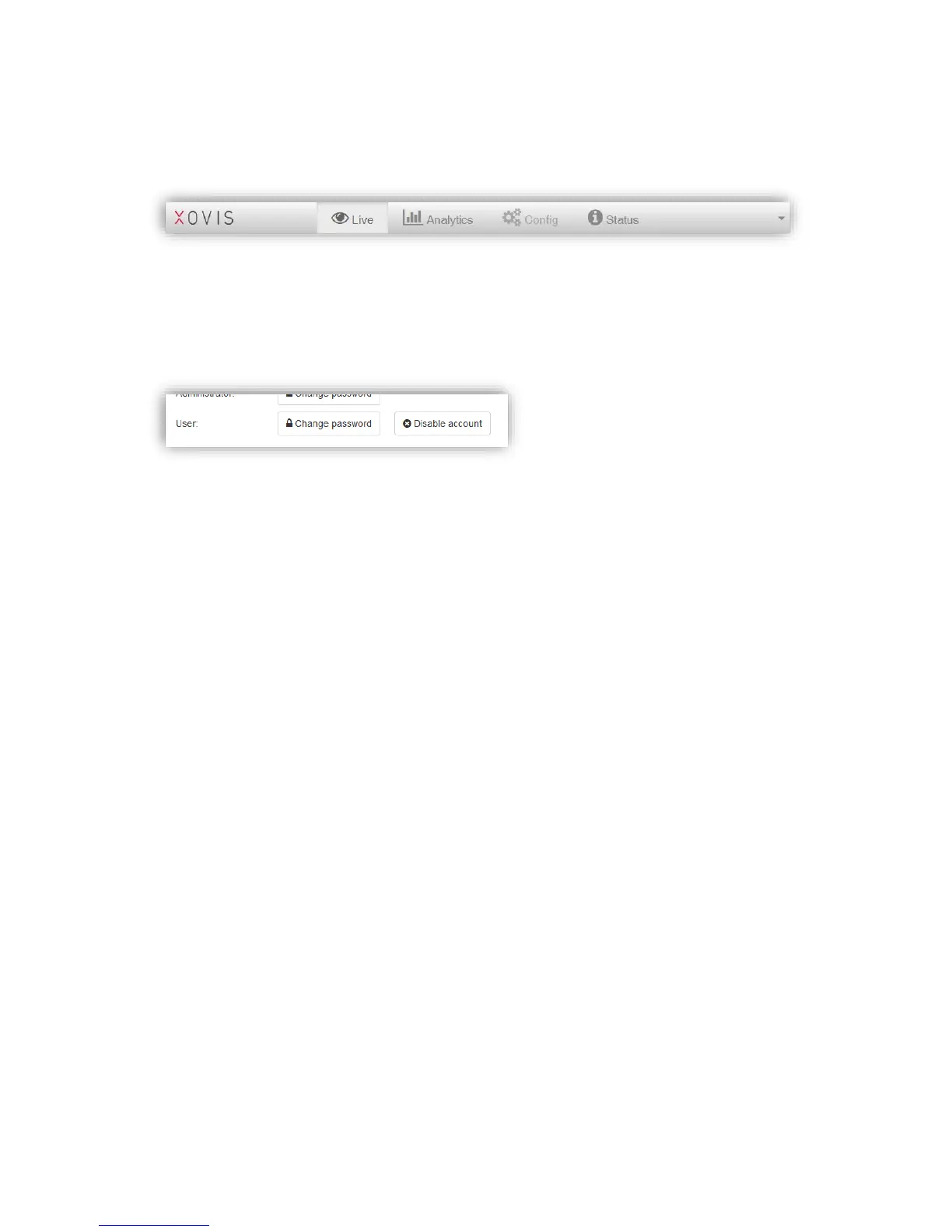
The User account offers read-only privileges. When logged in with the User account, the
complete “Config” view is disabled and no operation which could influence the sensors state
can be performed. Figure 49 shows the navigation when logged in with the User account:
Figure 49: Disabled Config view when logged in with User account
When logged in as Administrator and the User account is enabled, the “Users” section
presents a “Disable account” button to disable the User account again (see Figure 50).
Clicking on it will instantaneously disable the user Account.
Figure 50: User account enabled



 To Next Page