UK
7
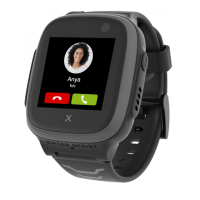
Activation procedure for X5 Play
1. Ensure the SIM has sucient voice and
data allowance.
2. If necessary, charge the watch.
3. Open Xplora App and create your
guardian account if using for the rst
time.
4. From the watch, click “QR code” menu
in Setting menu.
5. From the App, scan the QR code shown
on the watch screen.
6. Provide your child’s prole information
as well as the phone number of the
watch.
7. Follow the instructions to complete
the activation on the App.
NOTE: The service performance may
vary by the mobile network coverage.
Feel free to contact us via
support.amazon@xplora.com for further
assistance.


 To Next Page