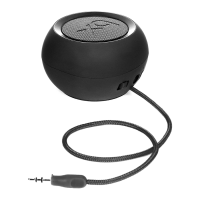
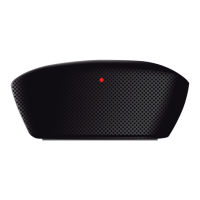
Features
• Bluetooth version 2.1 + EDR with Special Audio Algorithm and DSP for clean, best-in-class wireless stereo sound
• Two 35 mm full range drivers deliver superb music delity
• Passive Woofer
• Convenient charging with USB charging cable
• Rechargeable Lithium-ion battery for up to 5 hours of playtime
• Voice Prompting (English)
• Battery Indicator on iPhone and Blackberry
1) Anatomy
Button (in Bluetooth Music):
A Previous Track
B Play / Pause
C Next Track
D Volume -
E Power / Pair (Press and hold / Press long)
F Volume +
Button (during the phone call):
A (during the call): Mute / Unmute the Microphone
B (during Ringing): Answer Call (Short press) / Reject Call (Long press)
B (during the call): End of Call (Short press) / Toggle between Phone (Long Press)
C Volume –
D (during the call): Mute / Unmute the Microphone
F Volume +
Button (in General without Bluetooth connection):
E Power ON/OFF (Long press); Entry Pairing mode (Hold pressing from OFF)
Button (in Aux-in Music):
E Power OFF


 To Next Page