04
Install xTool Fire Safety Set
Preparations
The installation of the fire safety set may vary according to laser processing machines.
If you use an xTool machine, visit support.xtool.com/product/17 or scan the QR code to
find details about how to install the fire safety set. If you use a third-party machine, refer
to the installation of it on xTool machines.
support.xtool.com/product/17
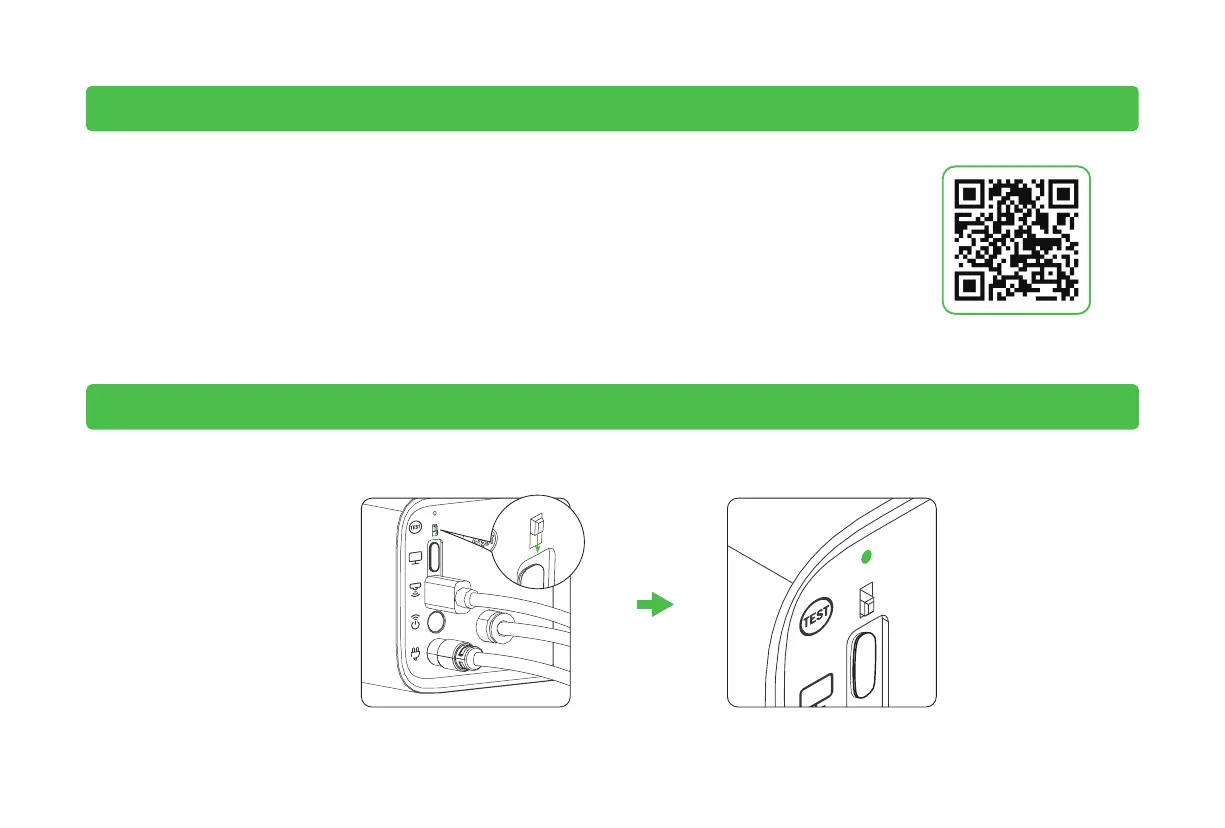
1. Enter the test mode
Toggle the switch down to enter the test mode Solid on



 To Next Page