Installation and Commissioning
Final Commissioning Procedure
Step 3: test mode
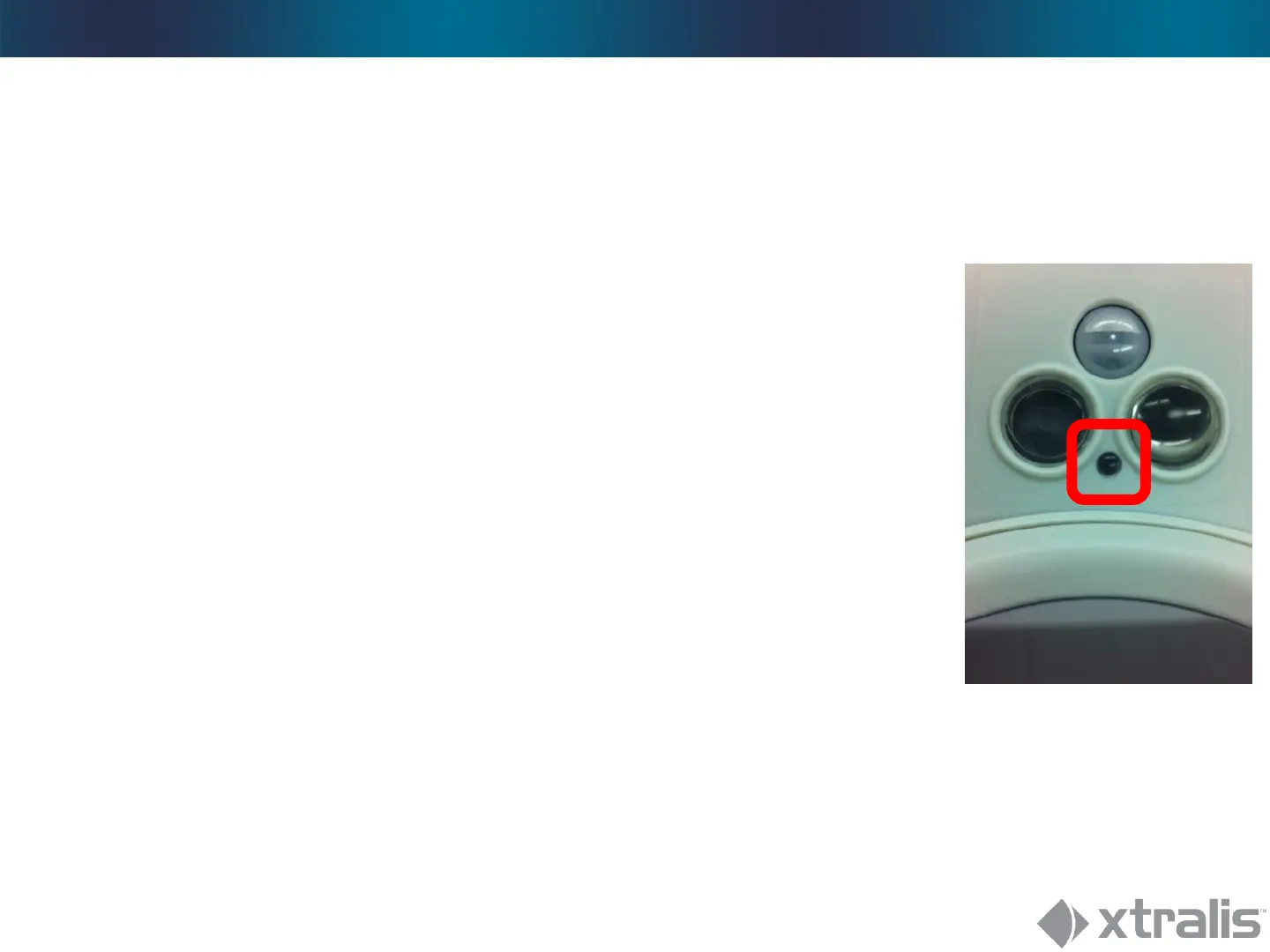
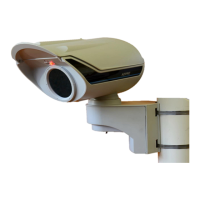
Close Lid, leave bracket open!
• Red LED stops blinking
• Device enters test mode
• Alarms are indicated by the red LED
Go through setup:
Alignment, walk tests, fine tuning alignment, etc.
Inovonics panel will constantly receive Alarm 1&2 during test
mode.





 To Next Page