Walk test the detector and fine-tune vertical alignment
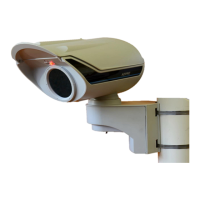
1. Perform walk test at ¼, ½ and full nominal range
2. Use CT PRO X, iPIR app with Fasttrace 2 or remote
controlled PC running PRO SW to determine
performance and fine tune sensitivity
3. If performance still unsatisfactory, remotely change
vertical alignment up using iCommision App until
performance as desired





 To Next Page