17
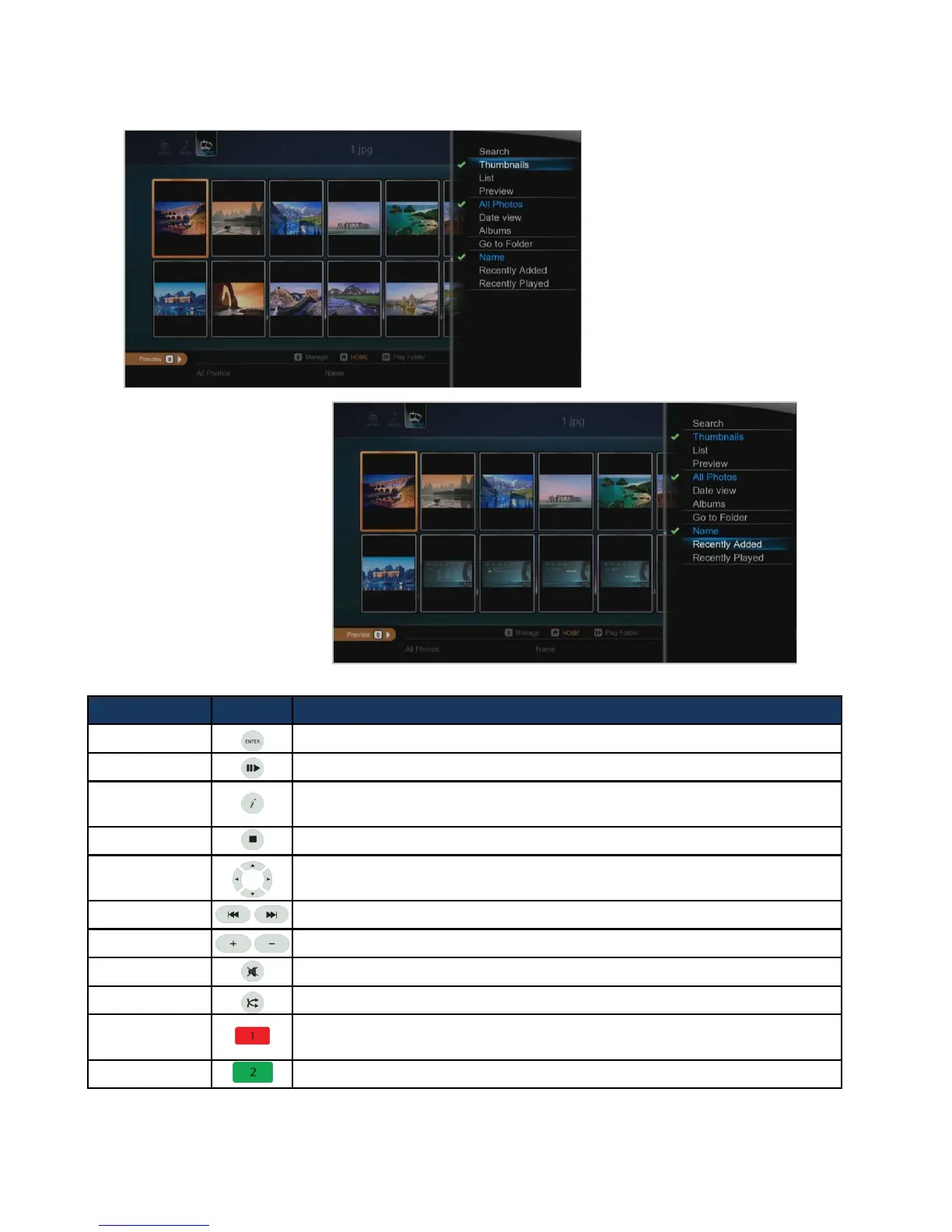
RC Button Description
ENTER It confirms and shows photo files.
PLAY Press to start a Slide Show
INFO
It displays EXIF information of photo file, which is being showed.
(JPEG/EXIF supported)
STOP It stops a Slide Show.
Left/Right in
navigation
It rotates a photo file to the left (or right).
PGUP/PGDN Go to next file (or previous file).
VOLUME Adjusts background music volume
MUTE Mutes the background music
SHUFFLE It changes playback mode; Order Playback or Random Playback.
ADD
It provides selecting files you want to add onto “Playlist”.
- only works for an internal HDD
EJECT It adds selected files after selecting them by pressing [ADD] button.
Viewing Photos



 To Next Page