20
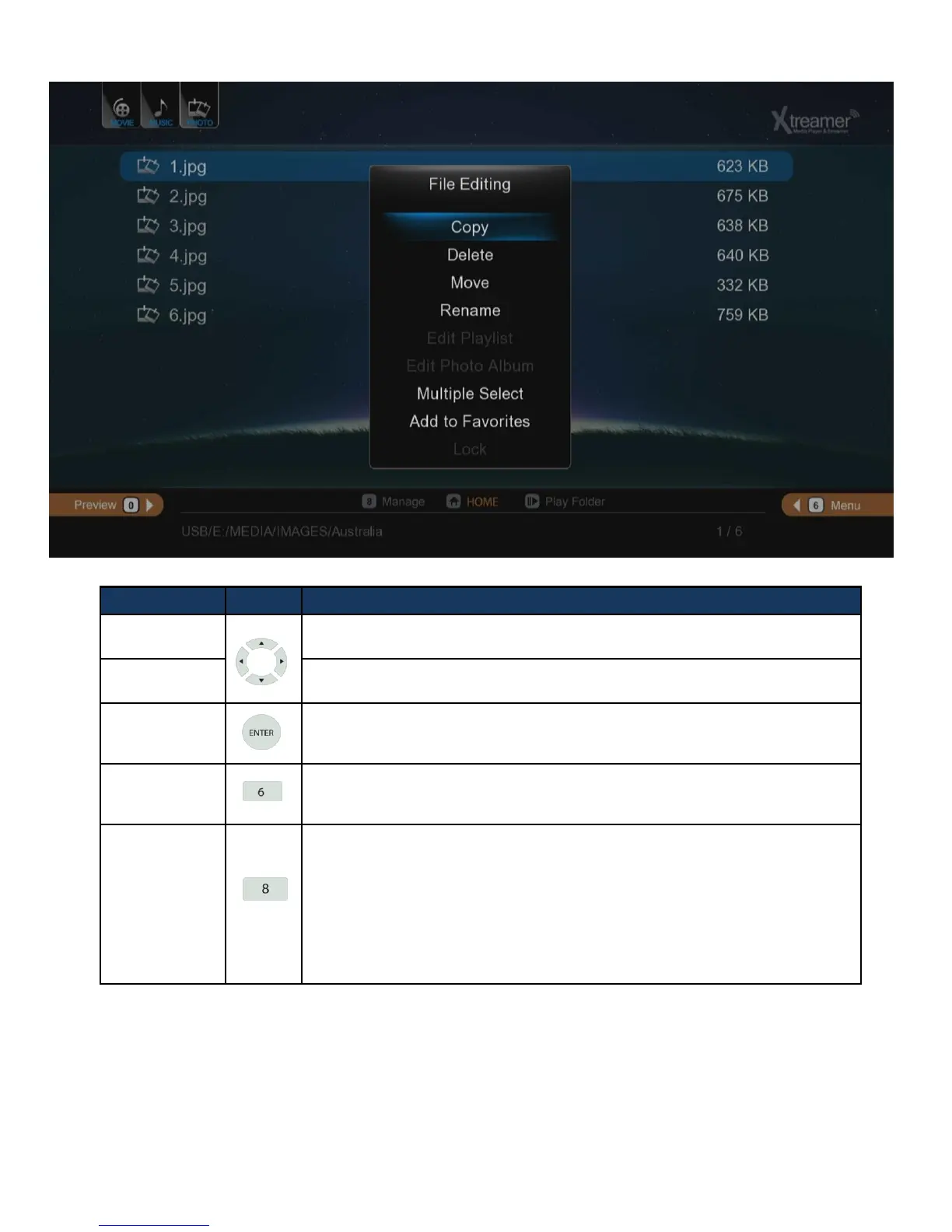
RC Button Description
Up/Down
Navigation Key
Moving cursor Up (or Down).
Left/Right
Navigation Key
Selecting among tap menus, and filtering file lists.
Enter
- Entering
- You can use “ENTER” button as multi selected folder after pressing
[ADD] button for your convenience.
MENU
- Toggles various viewing modes and options [Files List / Preview / Thumnail}
- Change content view [Music / Photos / Movies / All]
- Various options depending on content.
FUNC
It provides variety of functions as you put cursor on files and folders
- It changes folder and file names.
- Allows you to copy and move files.
- It deletes folders and files.
- It sets folder lock and lock off.
- * Adding files to [Favorites].
•Multi selected file by pressing [ADD] button is enabled when adding to Favorite, however,
multi selected folder isn’t provided.
File Manager



 To Next Page