31
Play Movies
Most control buttons are the same as everywhere else: Play, Pause, Stop, Fast-Forward, Next and so on.
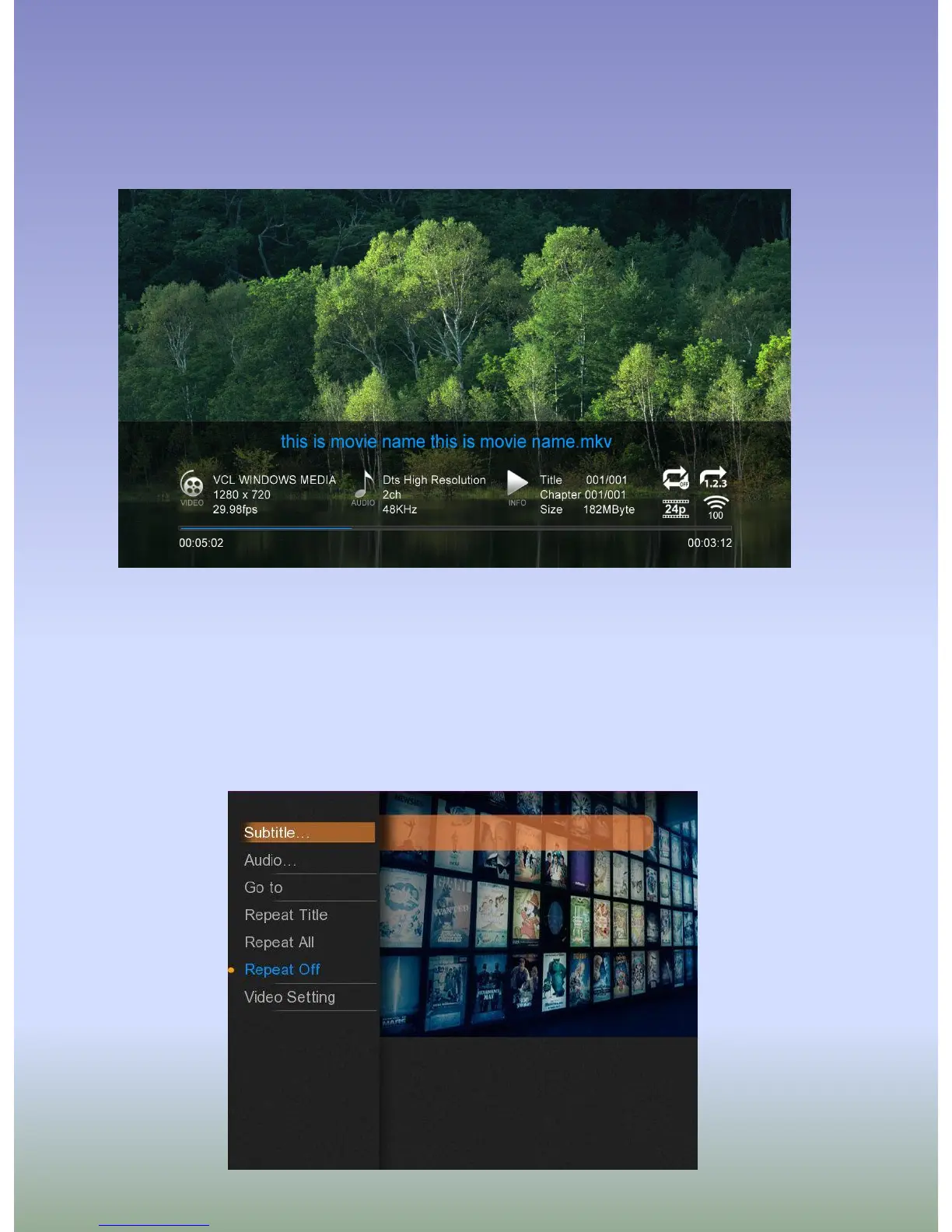
Info button opens an time-bar with a relevant information about the file you are playing (see the picture
above)
While watching a movie press MENU (6) to open a list of options including an access to subtitles browser,
GOTO menu, repeat options, audio channels and, in relevant cases, a 3D options menu.



 To Next Page