29
System configuration
Settings
Screen Saver Timing
This is to set the time for automatic changing images on your screen during periods of user inactivity.
Screensaver is designed to prevent phosphor burn-in on the LCD TV when the properties of the exposed
areas of phosphor-coating on the inside of the screen gradually and permanently change, eventually leading
to ghost image on the screen.
BD Menu
This feature toggles BD menu when playing a BD ISO file.
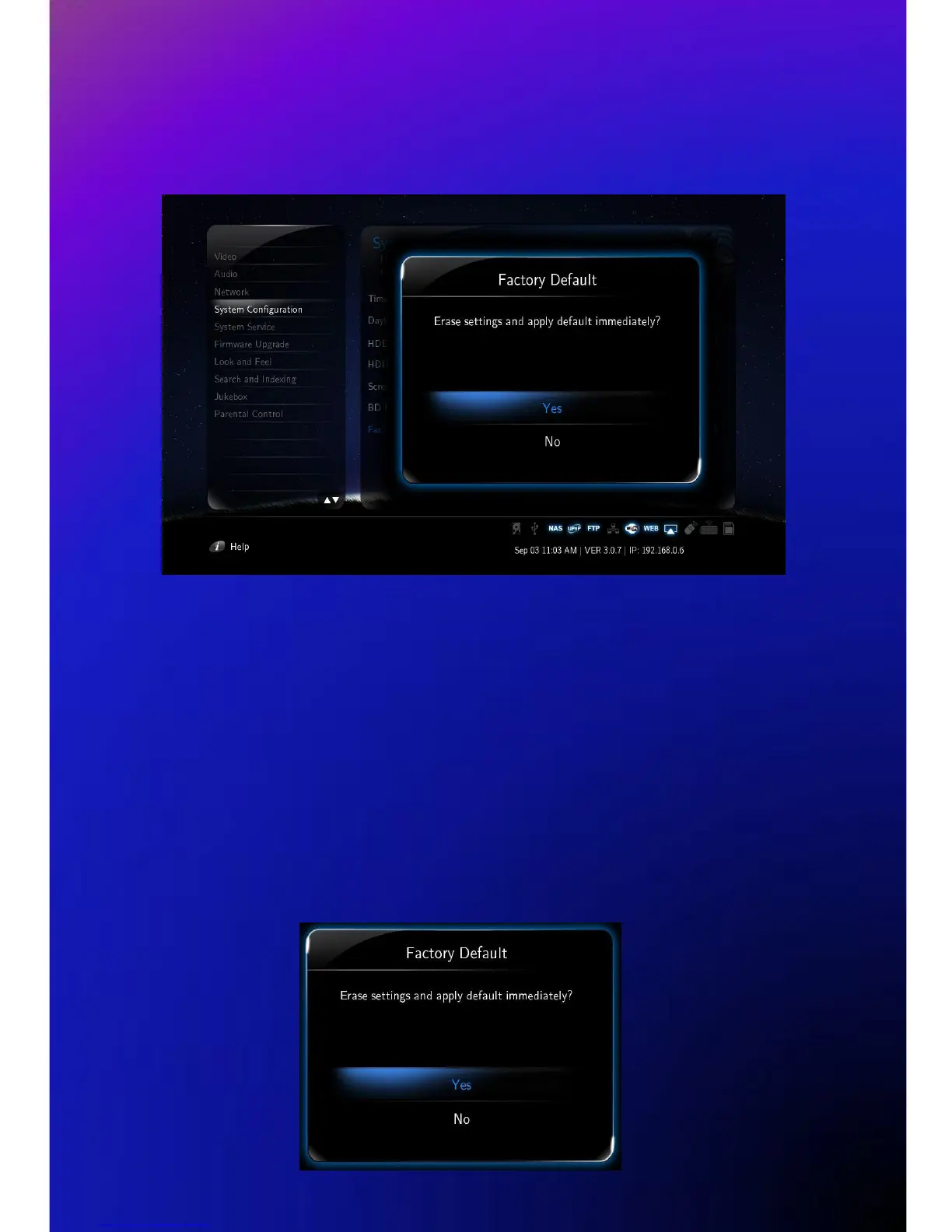
Factory Default
This option restores your player to the factory defaults. It will clear all the personal settings including
passwords, favorites, custom skins etc.
- Using this option will not damage the data on your HDD
- Always reset your settings after a firmware upgrade



 To Next Page