8
7. demo mode
6. StandBy button
8. programming
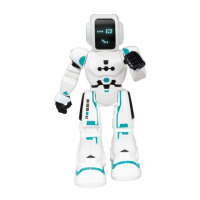
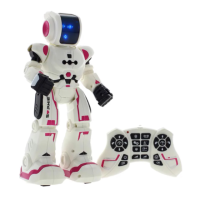
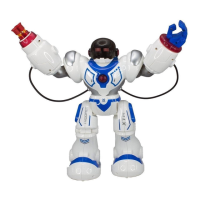
Press the “Demo Mode” buon on the transmier. Trooper Bot will
show some dance, sounds and movements funcons.
Aer 2 minutes of inacvity, the robot enters StandBy mode
automacally.
Before the robot go into StandBy mode, it will emit some sounds in
advice.
By pressing the buon the Trooper Bot goes on StandBy Mode and
stays sleep unl this buon would be pressed again. By pressing it
again the robot will wake up and will perform the “intro” again.
1. Press the “Programming” buon unl hear a `beep’ sound.
2. Up to 50 funcons can be programmed. You can glide forward,
glide back, walk forward, walk backward, turn le, turn right, dance
or make shoots.
3. Press “Programming” buon to perform programmed funcons
again.
4. When it is not in use atomacally exit.
9. dance mode
Press the “Robot Dance” buon on the
transmier.
The Trooper Bot will perform a dance.


 To Next Page