EasyManua.ls Logo

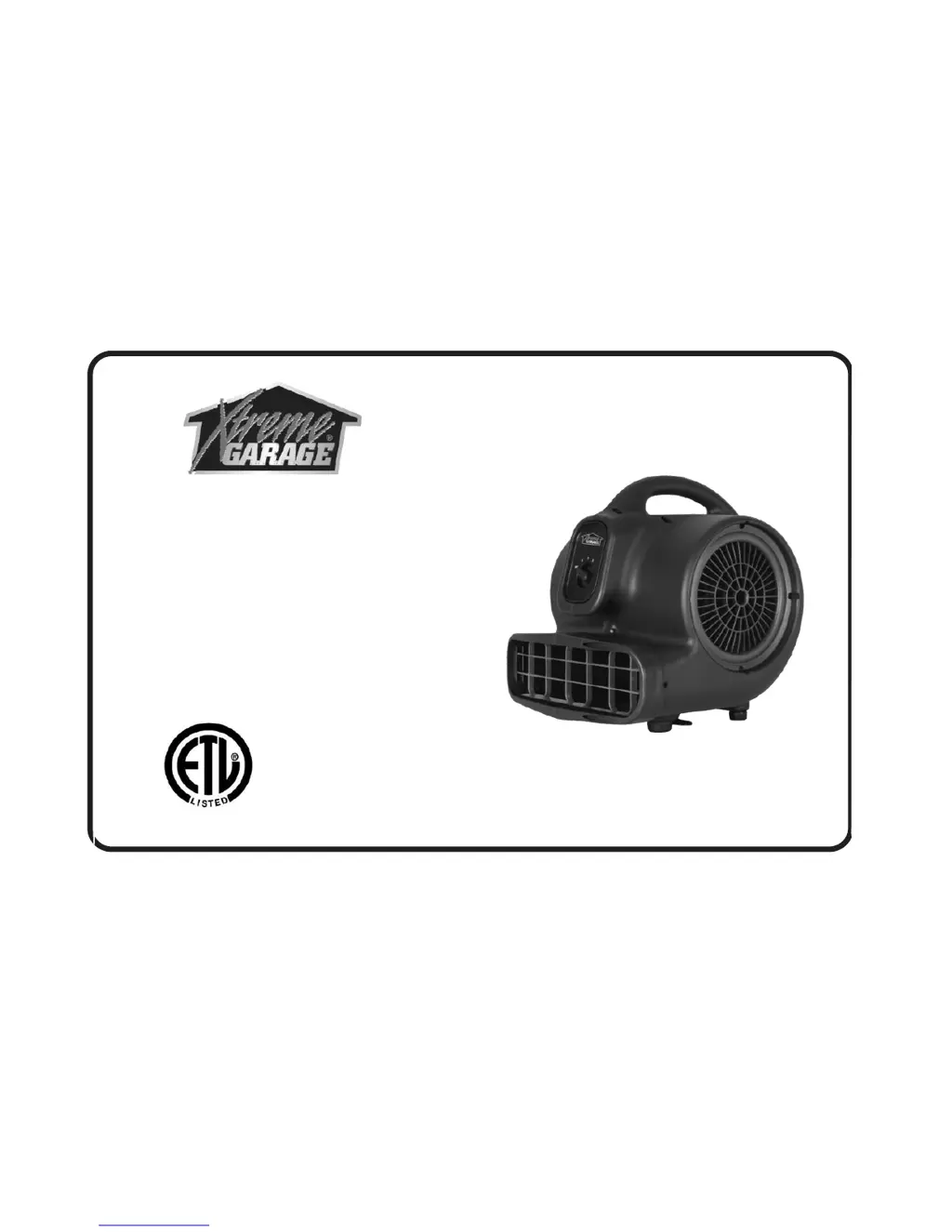
Xtreme Garage X-400WFK - User Manual

Xtreme Garage X-400WFK
10 pages
Print Icon
To Next Page IconTo Next Page
Loading...
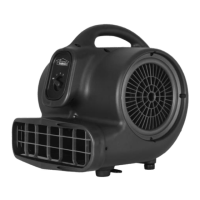
MULTIPURPOSE UTILITY AIR MOVER
OWNER’S MANUAL
X-400WFK (WITH FILTER KIT)
ITEM NO: 621-1531
TOLL FREE NO: 1-855-855-8868
PLEASE READ AND SAVE THESE INSTRUCTIONS

Questions and Answers

  • E
    Emma MarshallAug 2, 2025
    What to do if my Xtreme Garage X-400WFK is not running?
    • D
      David AndersenAug 2, 2025
      If your Xtreme Garage Fan isn't running, there are several potential causes: * **No power?** Ensure the air mover is properly plugged in and check the circuit breaker. * **Switch off?** Make sure the switch is turned on. * **Fan jammed?** Remove any material that may be jamming the fan wheel. * **Blocked intake or exhaust?** Turn the unit off, let it cool down, and then remove any blockages.
  • D
    David RussellAug 17, 2025
    Why is my Xtreme Garage Fan vibrating so much?
    • M
      melissa88Aug 17, 2025
      If your Xtreme Garage Fan is vibrating excessively, it's likely due to a buildup of dirt on the fan blade. To resolve this, clean the air mover blade.

Summary

Introduction

Operation and Storage

Air Mover Storage

Information on how air movers can be stacked for storage.

Safety Instructions

Maintenance and Troubleshooting

Troubleshooting Common Issues

Solutions for common problems like the unit not running or vibrating excessively.

Specifications

Limited Warranty

Parts List

Accessories

Filters (Included)

Details on filter kit installation, cleaning, and removal procedures.

Xtreme Garage X-400WFK Specifications

General IconGeneral
Volt / Cycle115 V / 60 HZ
Power1/4 HP
Max. Amp3 Amps
Speeds3 Speeds
Airflow (CFM)1100 CFM
Cord Length20 Ft.
Overheating ProtectionThermally Protected
Positions4 (0°, 20°, 45°, 90°)
Safety MarksETL
Filter KitIncluded
HousingABS
Weight and Dimensions IconWeight and Dimensions
Weight16 Lbs.
Size (H x W x D)15 x 13.5 x 15 in.

Related product manuals